Let’s say you use Microsoft Copilot to prepare for a customer meeting. You ask it to summarize recent discussions, review outstanding orders, and find the customer’s latest public announcements.
To answer, Copilot needs information from different sources. Microsoft IQ brings together four capabilities that provide this context: Work IQ, Fabric IQ, Foundry IQ, and Web IQ
What is Microsoft IQ?
Microsoft IQ is a shared intelligence layer that connects AI assistants and agents to work context, business data, organizational knowledge, and public-web information.
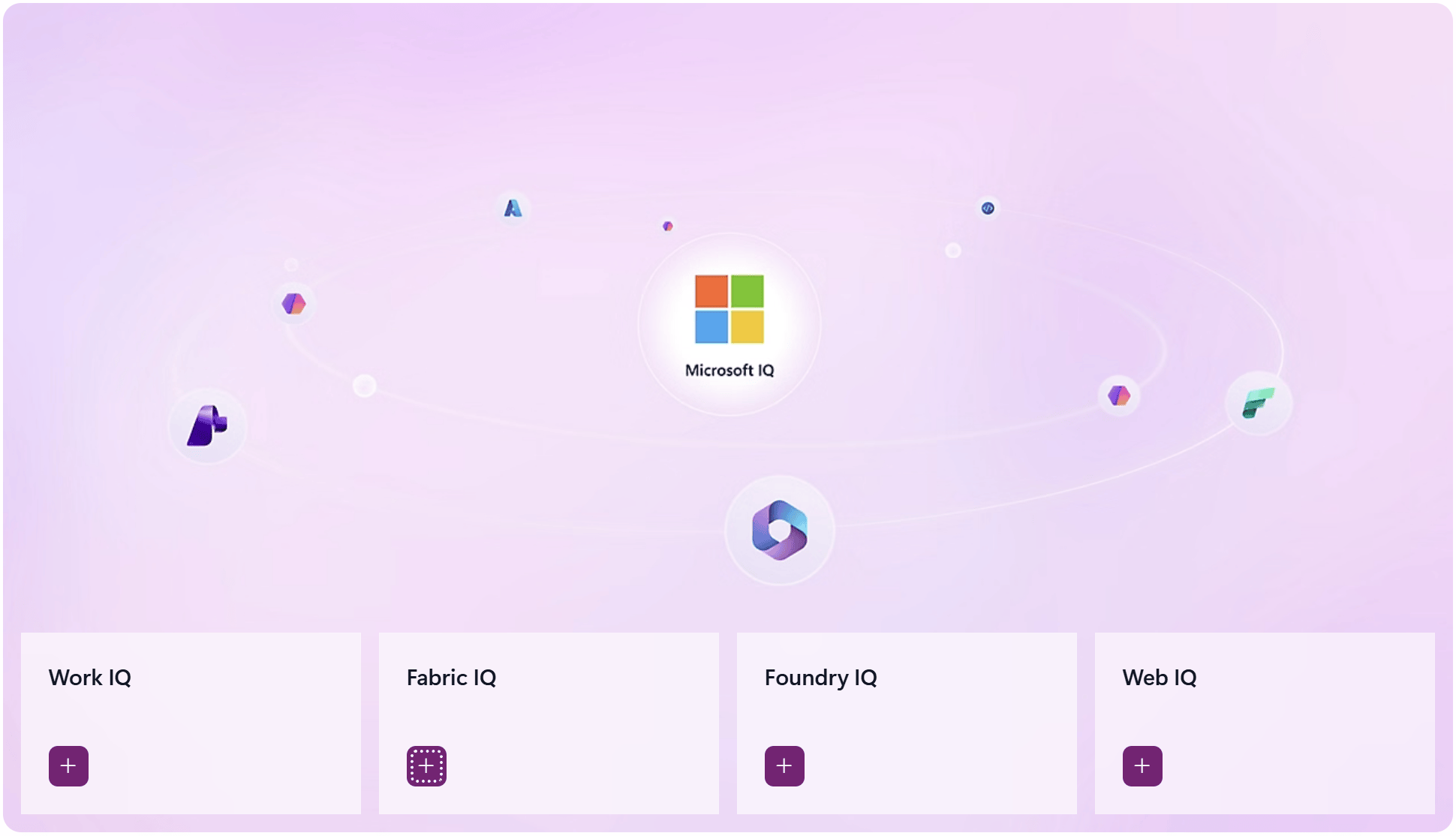
In the customer-meeting example, each source answers a different question. Recent conversations explain what was agreed.
Order data shows what is outstanding. Public announcements provide updates about the customer.
The four IQs provide different parts of this context, as explained in the following sections.
The four IQs
Work IQ: Understand your work context
- Work IQ provides context about people, collaboration, and work activities. This includes information from emails, meetings, documents, and Teams messages.
- Access follows your permissions and your organization’s security policies.
- Example: Before a project meeting, you ask:
“What did our team agree about the launch date, and what questions are still open?”
- Work IQ provides access to relevant discussions and documents. The assistant can use this information to summarize decisions and unresolved questions.
Fabric IQ: Understand your business data
- Fabric IQ connects business data with business meaning. It describes concepts such as customers, orders, and shipments, including how they relate.
- Example: A business assistant could answer:
“Which customer orders are affected by delayed shipments?”
- With the relevant data and relationships configured, an assistant can connect a delayed shipment to its orders and customers. This provides context for assessing the business impact.
Foundry IQ: Find trusted organizational knowledge
- Foundry IQ connects agents to information from sources you set up. A knowledge base groups these sources and controls how information is found.
- Example: A support agent receives this question:
“What does our warranty policy say about product replacements?”
- Foundry IQ finds the information needed in your warranty policies and product documents. The agent uses it to explain when a replacement is allowed and show where the information came from.
How does Foundry IQ differ from Fabric IQ?
Both work with your organization’s data, but they do different jobs. The warranty example shows the difference:
- Foundry IQ: Find the approved policy that explains when a replacement is allowed, and show the source.
- Fabric IQ: Link the customer, product, and purchase records, then calculate how long ago the purchase was made using the business definitions you set up.
Web IQ: Find current public information
- Web IQ finds current information on the public web. It provides source information that an AI assistant can use to support an answer.
- Example: Before a customer meeting, you ask:
“Find recent public announcements about this customer’s expansion plans.”
- Web IQ can find public information related to the question. The assistant can summarize it and show the sources.Web IQ does not access private company information or write the final answer itself.
Summary
- Work IQ: People, conversations, and work context.
- Fabric IQ: Business data and its meaning.
- Foundry IQ: Information from sources you set up, with references showing where it came from.
- Web IQ: Current public-web information.
For more information about each capability, see the Microsoft IQ documentation.
🙂
Leave a Reply