Let’s say you got a Power Platform solution from your peer, or you downloaded an open-source one — for example the Power CAT Copilot Studio Kit.
Before you install it, you would want to understand what cloud flows are inside and what each one does. Going through the raw .zip files for that is difficult.
In this post I share a small Agent Skill I built that solves exactly this. You point an AI agent at the solution, ask in plain English, and you get back a clean, readable report of every cloud flow.
Note: “Agent Skill” here means a folder with a
SKILL.mdfile that an AI coding agent (such as GitHub Copilot CLI or Claude) can load on demand.
The Pain Point
Opening a solution export to understand its flows is painful, and here is why.
- Each cloud flow is stored as a large
.jsonfile full of internal ids, not readable text. - A single solution can hold dozens of flows, so the volume alone is overwhelming.
- It is hard to tell at a glance what starts a flow, what systems it touches, or which flows call each other.
What Are Agent Skills?
Before showing how mine works, let’s cover the basics:
- A Skill is a folder of know-how you hand to an AI agent for a specific task.
- At its core is a single
SKILL.mdfile with plain instructions. - It can also bundle scripts (code the agent runs for you) and reference files

- Here is how the agent uses a Skill at runtime:
- Every Skill starts with a
nameand adescription. - At startup the agent preloads only that
nameanddescription— nothing else. - When your request looks relevant to the description, the agent decides to read the full
SKILL.md, and opens bundled files only if it needs them. - This “load a little, then more as needed” idea is called progressive disclosure.
- Every Skill starts with a
How Our Skill Works
The skill is called explain-the-dataverse-flow . Its is a folder with three parts, and each plays a clear role when you make a request.

What the two supporting folders do, in our context:
scripts/holdsexplain_flows.py— the Python engine that opens the solution.zip, finds the cloud flows, and writes the readable report. This is the deterministic work, done by code rather than guesswork.references/holdssolution-structure.md— background notes on how flows are stored inside the zip. It is reference material the Skill can fall back on.
Download and set up
- Clone or download the repo from GitHub.
- Copy the
explain-the-dataverse-flowfolder into the appropriate directory for your AI agent:.github/skills— for GitHub Copilot.claude/skills— for Claude Code
Note : This Skill requires Python 3 needs to be on the machine. It is the only prerequisite, and if it is missing your AI agent will usually offer to help you install it
Trigger it
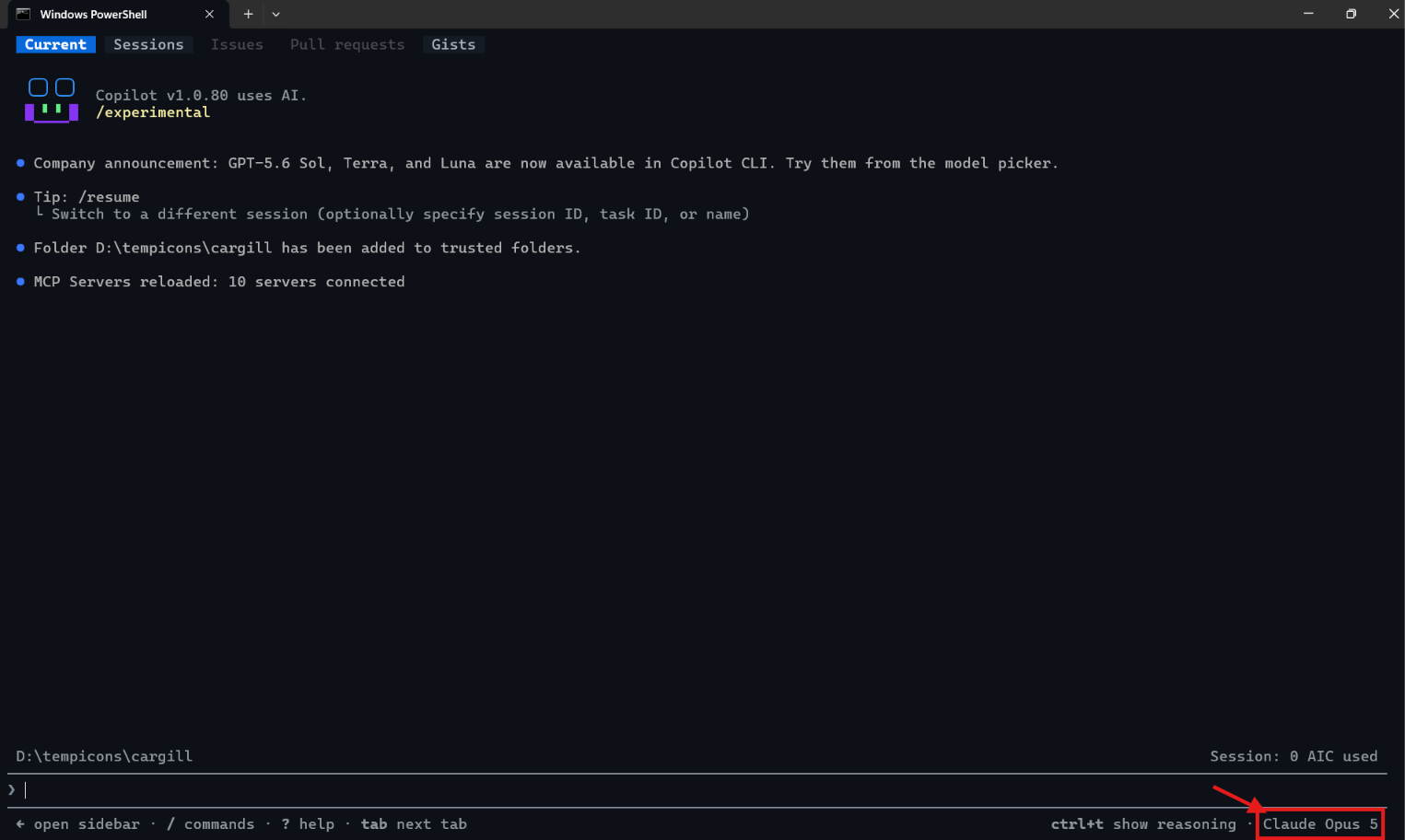
- Open your AI agent (for example GitHub Copilot CLI) in that workspace.
- Ask in plain English, pointing at your solution export — for example: “Explain the cloud flows in CopilotStudioKit_managed.zip.”

- The agent picks up the Skill and runs the script.

- It saves the report in
.mdformat, next to your solution file.

- Open the report to preview a clean, human-readable summary of every flow.

Summary
This Skill turns a Power Platform solution .zip into a report anyone can follow — no technical expertise required. You describe what you want, the agent follows the Skill’s instructions, runs the bundled script, and consults the reference material only when needed.
You can read more about Agent Skills in the official docs: https://docs.claude.com/en/docs/agents-and-tools/agent-skills/overview
Happy automating 🙂


Leave a Reply