Did you know that to run a Power Apps code app, each end user needs a premium entitlement?.
Most makers know this and assign a Power Apps Premium license to every user. That works. Many do not know that Pay-as-you-go is also a valid option. In this post lets look at both.
Why a Premium Entitlement Is Needed
- Code apps use premium platform features by default.
- That includes Microsoft Entra authentication, Dataverse, and premium connectors.
- A free or Microsoft 365 license does not cover these.
- So every user who runs the app needs premium coverage.
Microsoft documents four ways to provide that coverage. The two common ones are below.
Option 1 – Power Apps Premium
This is a prepaid seat you assign to each user.
- Buy the license and assign it in the Microsoft 365 admin center.
- The user can run unlimited premium apps in the tenant.
- Cost is a fixed amount per user, per month.
This fits a known and stable set of daily users.
Option 2 – Pay-as-you-go
With Pay-as-you-go, you link the environment to an Azure subscription. Usage is billed to Azure instead of a prepaid seat.
- Users without a premium license can run the code app.
- Billing is per unique active user, per app, per month.
- There is no upfront seat purchase and no license commitment.
Pay-as-you-go removes the need of prepaid license. Each active user still generates a metered charge on Azure.
When Pay-as-you-go Fits
- A large audience with infrequent or unpredictable use.
- A pilot where you want to measure adoption before buying seats.
- An app shared broadly where only a few users open it each month.
In these cases you pay only for the users who open the app.
How to Enable It
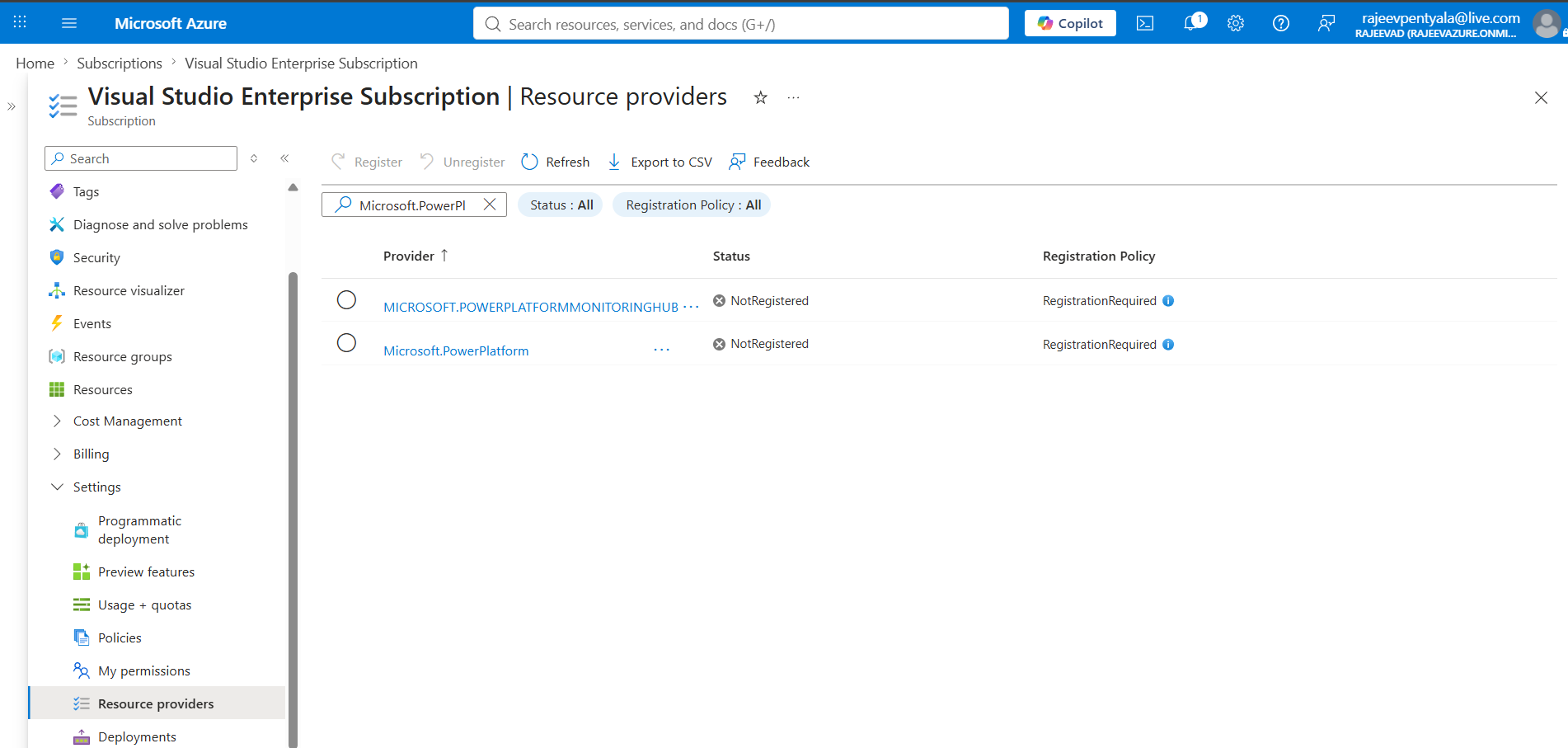
You enable Pay-as-you-go by creating a billing plan and linking an environment to Azure. I covered the full setup in an earlier post.
Quick Comparison
| Setting | Power Apps Premium | Pay-as-you-go |
|---|---|---|
| Prepaid seat per user | Yes | No |
| How you pay | Fixed monthly, per user | Azure meter, per active user per app |
| Best for | Stable daily users | Infrequent or unknown usage |
| Upfront commitment | Yes | No |
Summary
Both options give code app users the premium access they need. Power Apps Premium is the prepaid seat per user. Pay-as-you-go bills actual usage through Azure.
🙂

Leave a Reply