In my previous article : Build your first Fabric App using Rayfin CLI we learned how to create a Fabric App using Rayfin CLI
After completing the steps in that article, the following components are created in Fabric:
- App
- SQL database
- SQL analytics endpoint

In this article, I’ll show you how to create a Power BI report using the generated SQL Analytics Endpoint.
- Open the SQL analytics endpoint

- Click New semantic model
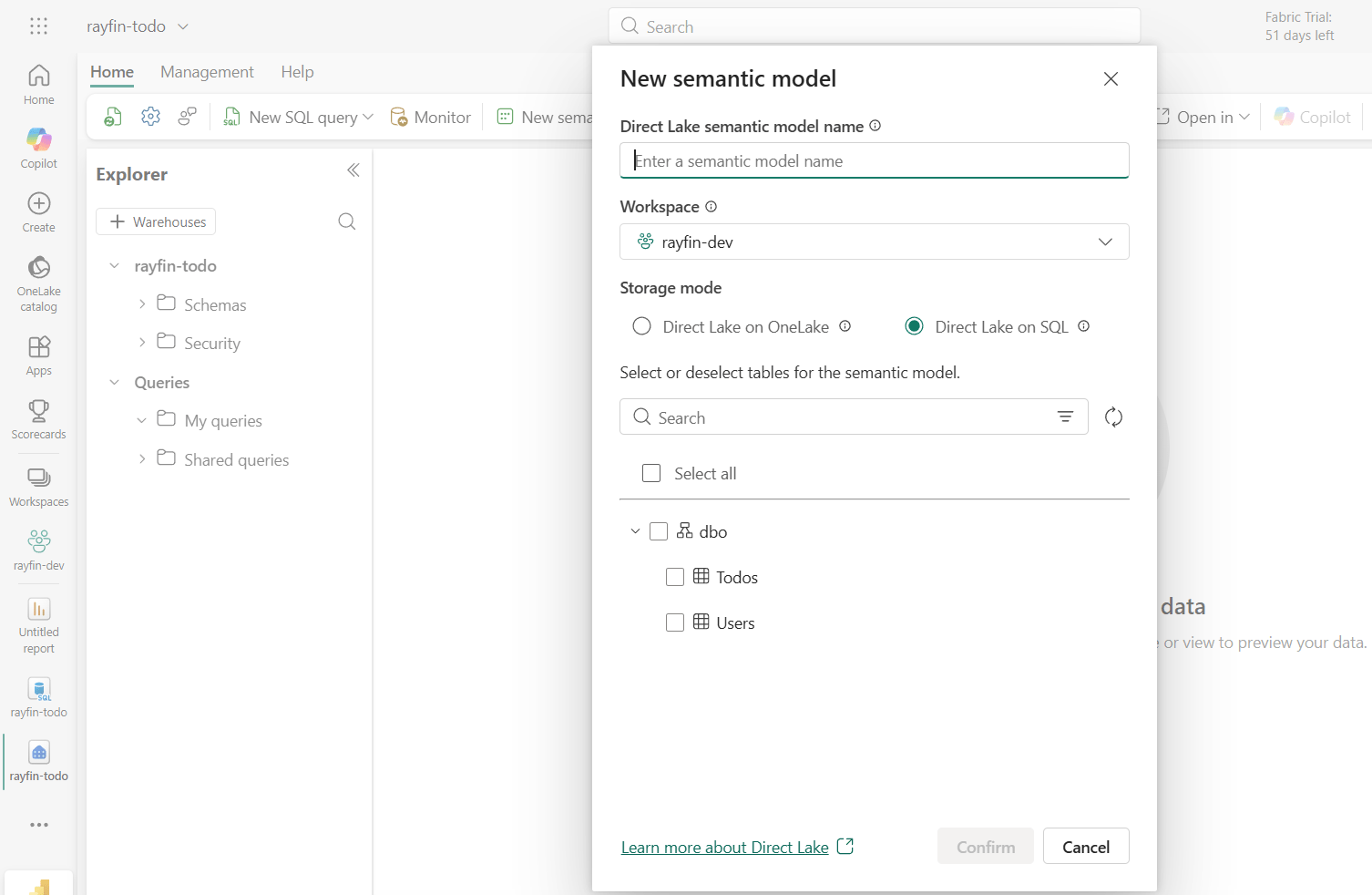
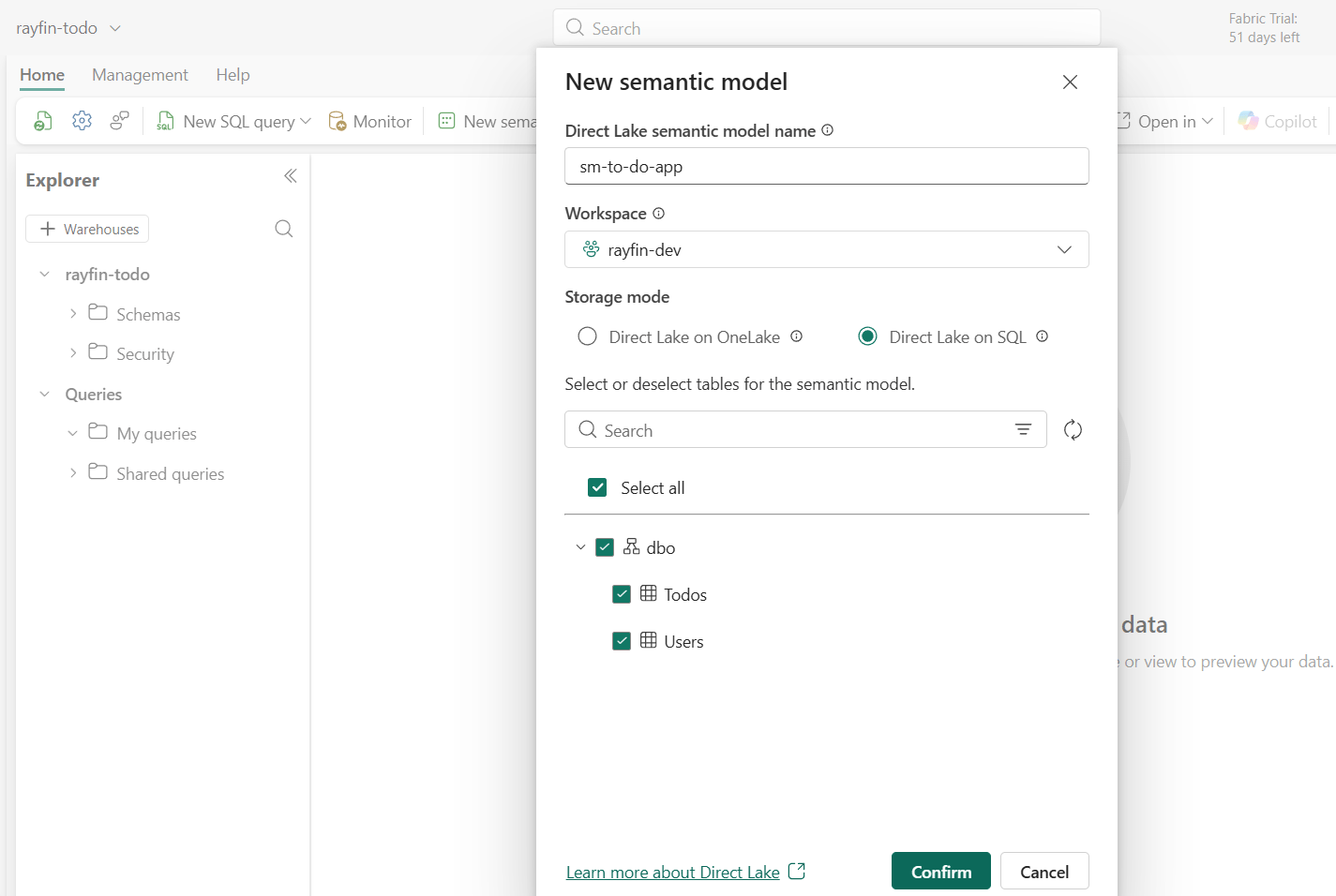
- Select the required tables, provide a name for the model, and click Confirm.
- Optionally, create relationships between tables if needed.
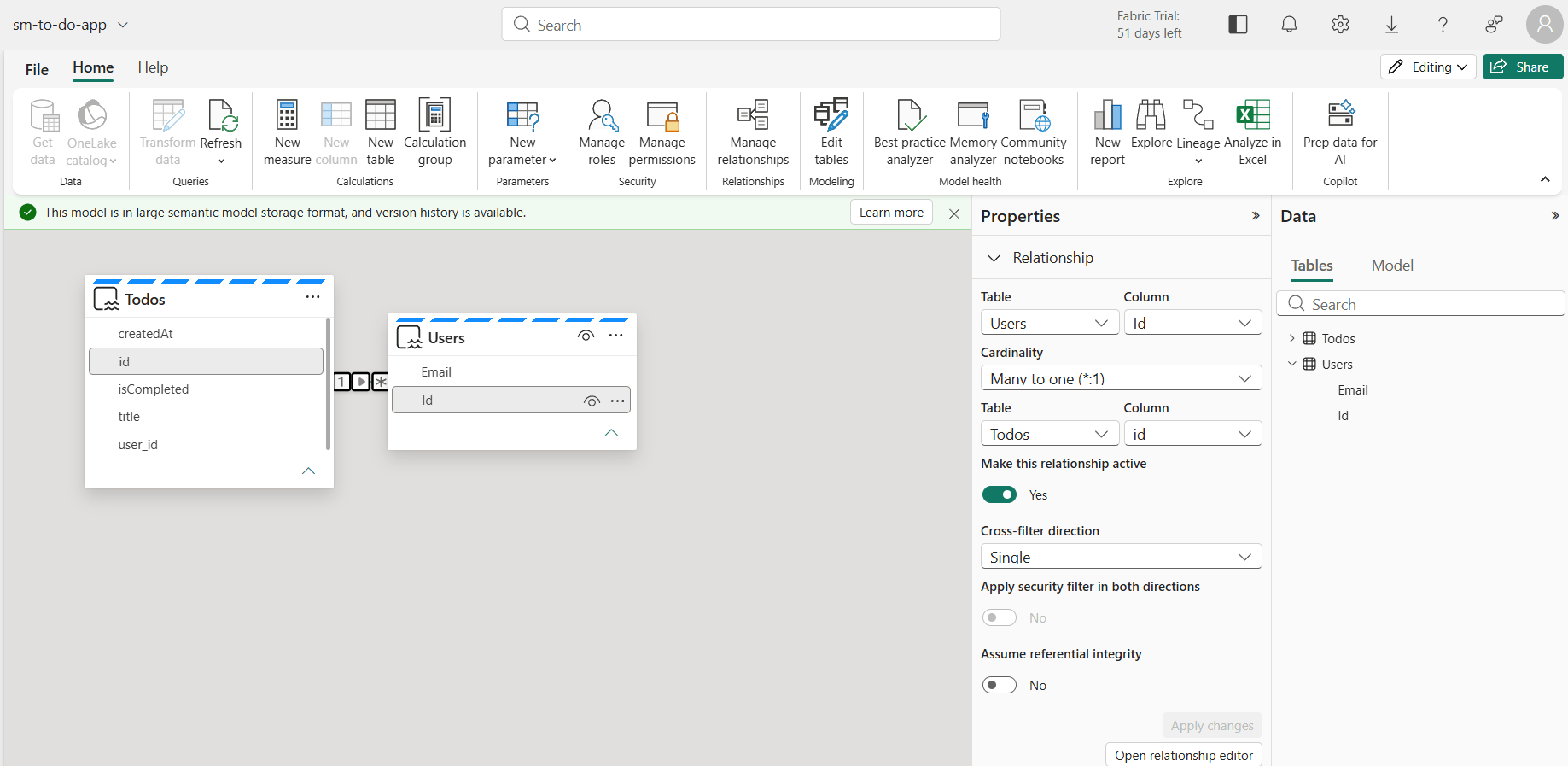
- Return to the Workspace and you will see the newly created Semantic model
- From the menu, choose one of the following reporting options.

- I selected Auto-create report, which generated the following report:
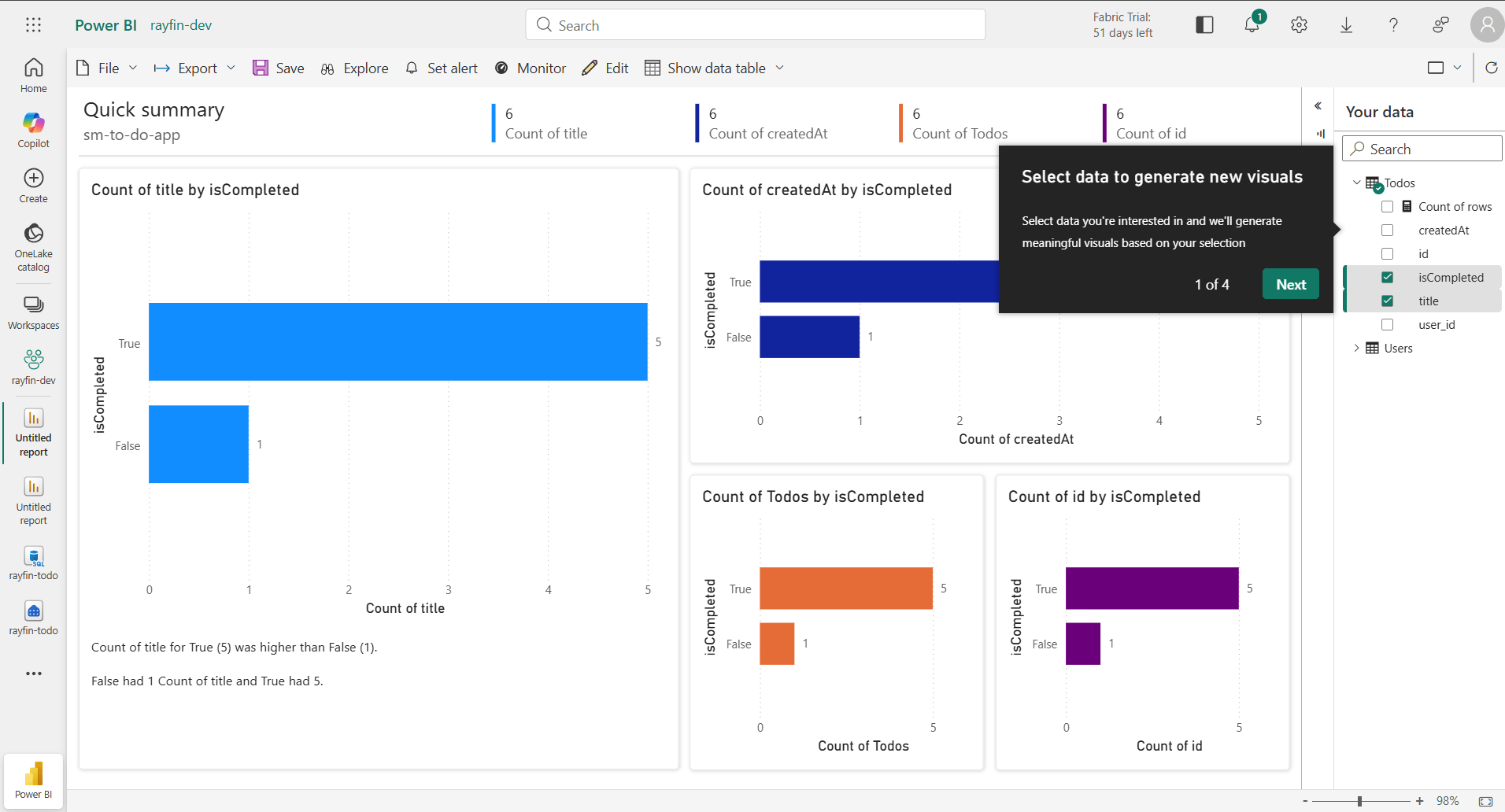
With just a few clicks, you can create a Semantic Model from the SQL Analytics Endpoint and generate a Power BI report to start analyzing your Fabric App data.
🙂


Leave a Reply