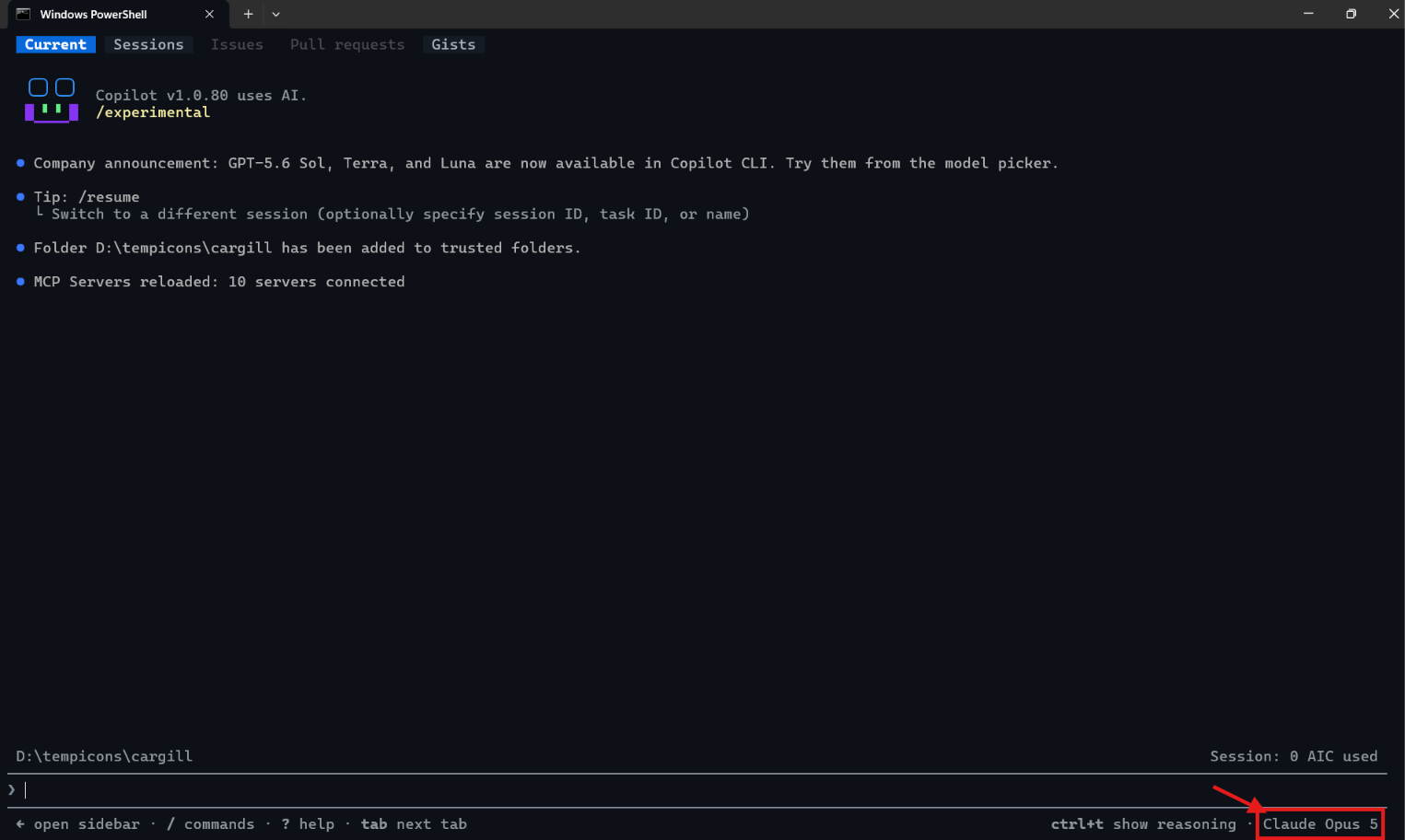
Did you know GitHub Copilot CLI has a YOLO (You Only Live Once) mode? By default, Copilot pauses and asks for approval every time it wants to run a tool that could modify or execute files.
With --yolo flag (also available as --allow-all) Copilot run freely without those permission requests.
copilot --yolocopilot --allow-all

Try It Out
- With YOLO mode active, give Copilot a multi-step task and watch it execute end-to-end without stopping for approvals. For example:
Create a small Node.js script that fetches the current weather for Hyderabadand prints it as JSON. Initialize npm, install dependencies, and run the scriptto verify it works.
- Copilot will scaffold the project, install packages, write code, run the script, and report results — all in a single uninterrupted flow.

Tip: Press Esc at any time to stop Copilot mid-task if it heads in the wrong direction.
When to Use (and When Not to Use) YOLO
YOLO is a great fit for:
- Throwaway POCs and demo apps
- Scratch folders where nothing important lives
- Long agentic tasks where babysitting prompts is painful
Avoid YOLO in:
- Your main work repository with uncommitted changes
- Folders that contain secrets, credentials, or production configs
Important: If you want the speed of YOLO with stronger safety guarantees, combine it with the local sandbox feature. Inside a session, run
/sandbox enable, or start a cloud-backed session withcopilot --cloud. The sandbox restricts filesystem, network, and system access while still letting Copilot work autonomously.
🙂
Leave a Reply