Did you know you can quickly open the environment in Power Platform Admin Center (PPAC) directly from Maker portal?.
From the Maker portal, select the Environment and then click on the context menu. Next, choose ‘Go to admin center‘.
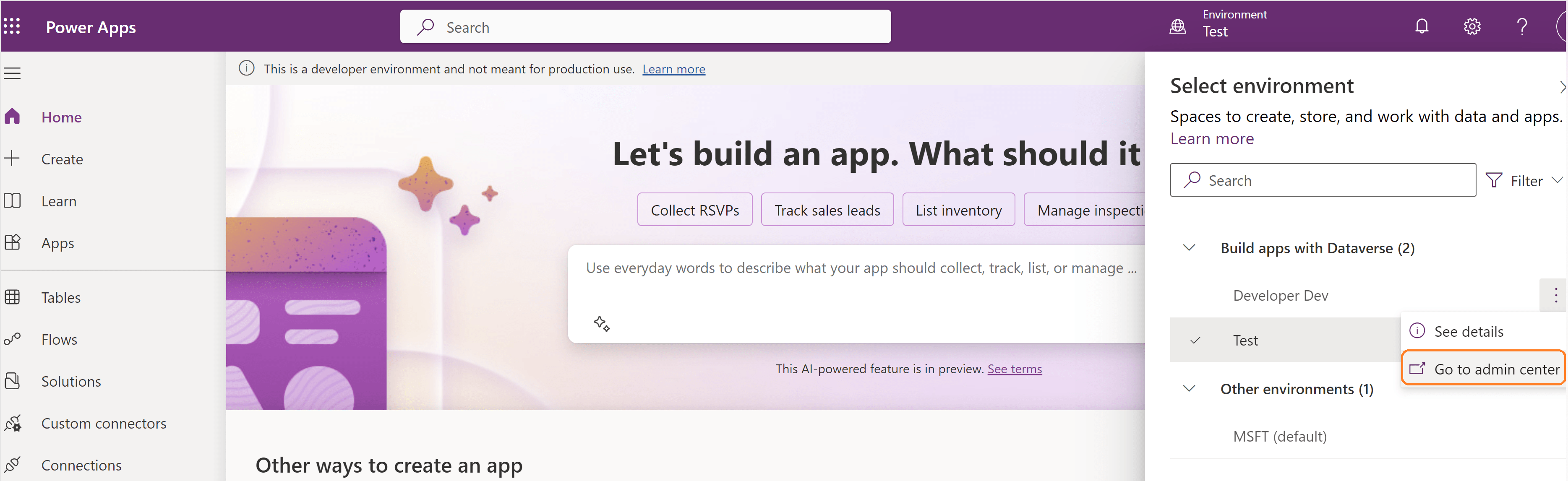
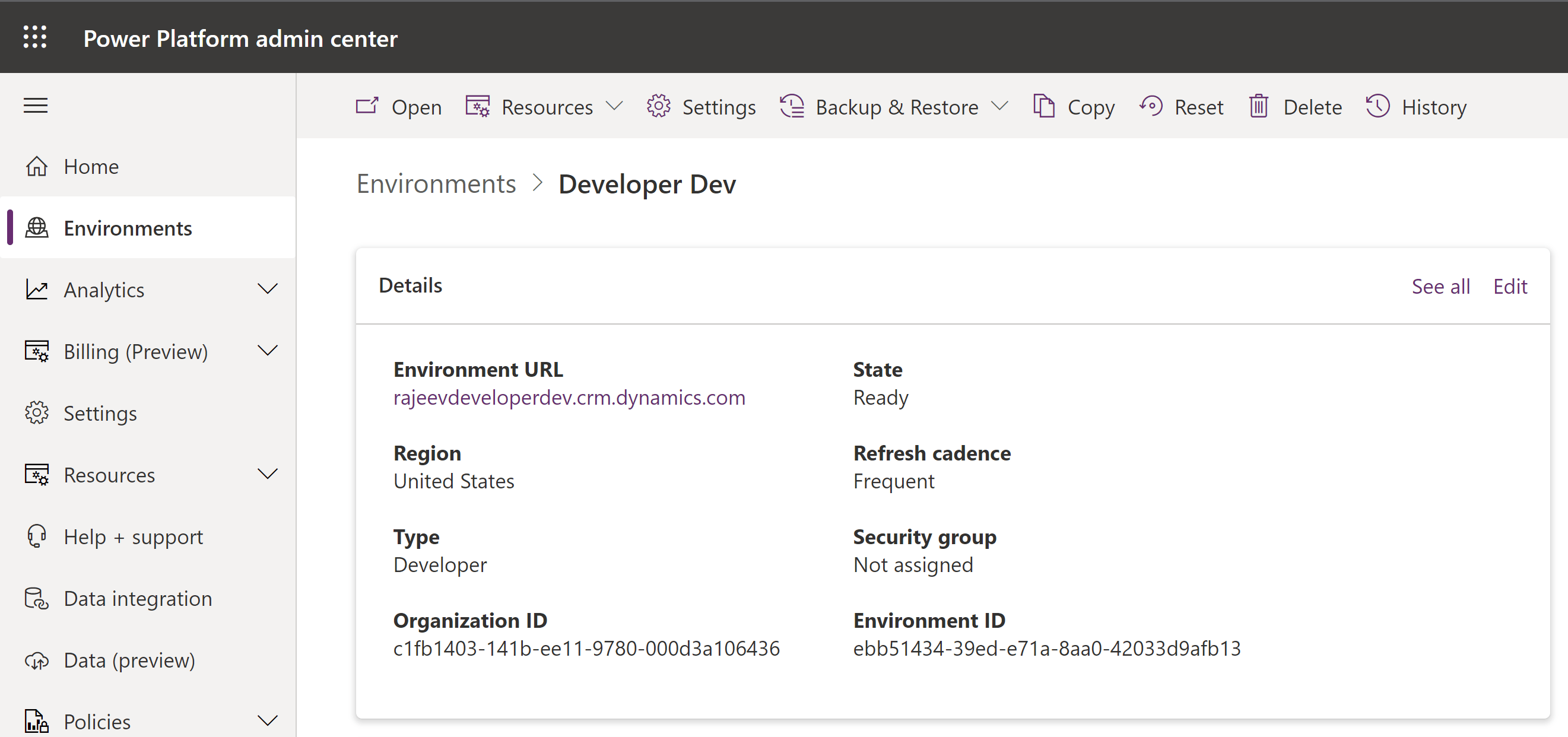
This action will open the selected environment in the Power Platform Admin Center.
🙂

Leave a Reply