If you encounter the following error while creating a new Power Platform environment from the Admin Center :
A self-service signup plan is required to successfully complete this request

This typically indicates that you do not have a Power Platform license assigned to your account.
You can use one of the following options to obtain a license:
Power Apps Developer Plan:
- Get a free Power Apps Developer Plan license from here
- Click on Get started and complete the sign-in process.
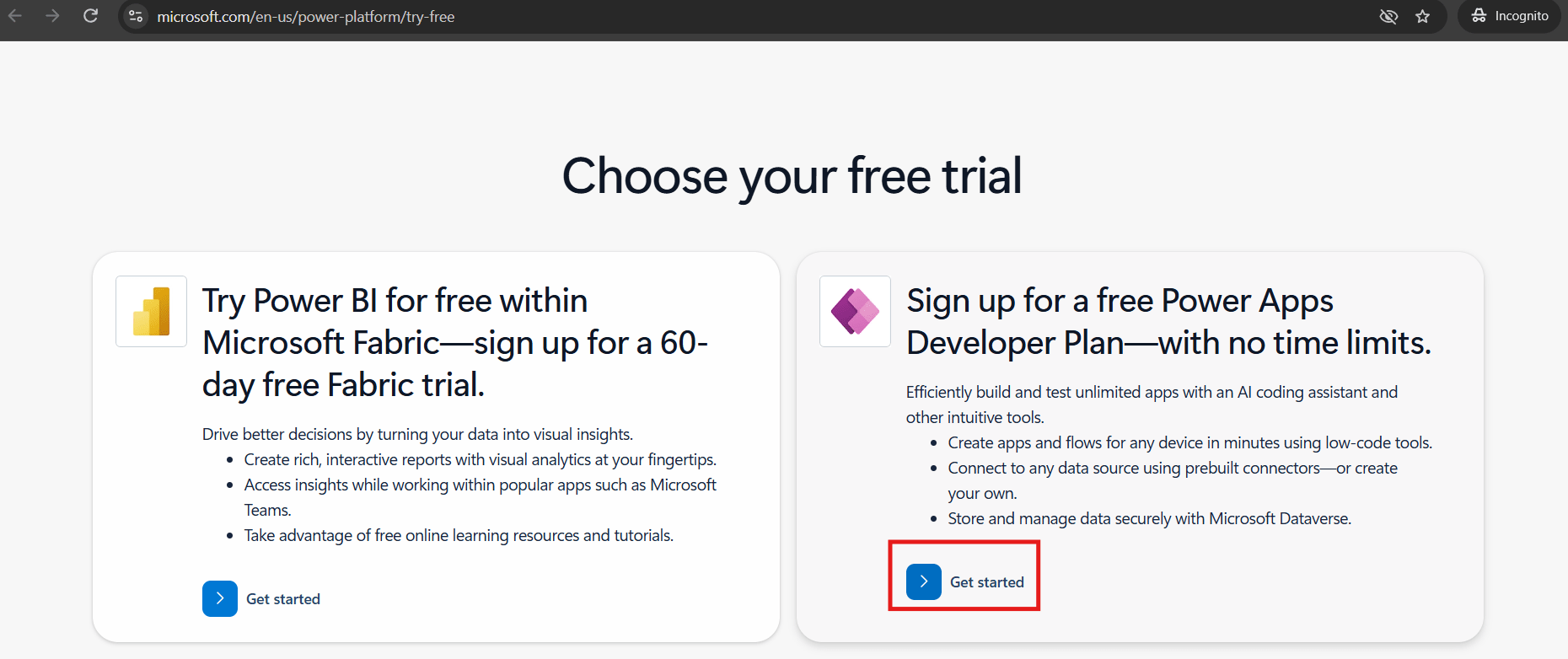
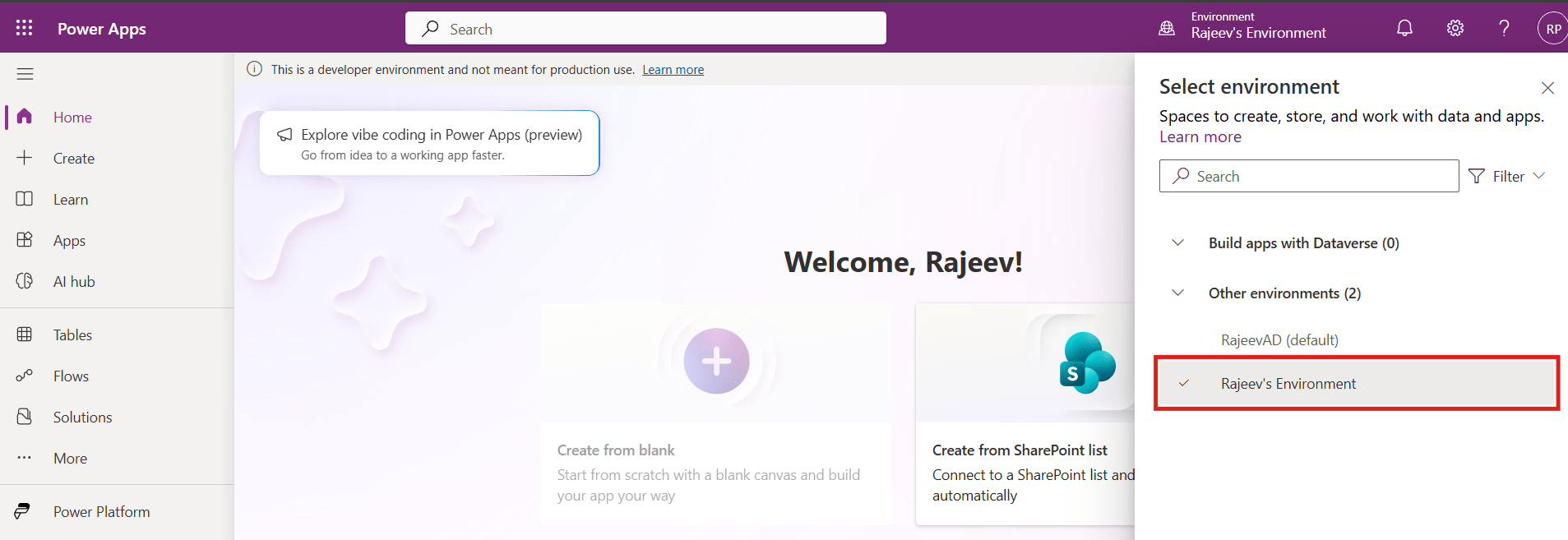
- A new personal developer environment will be created automatically.
- You can create up to three Developer environments using this license.
Power Apps Premium – 30 days trial:
- Sign in to M365 Admin Center
- Go to Marketplace and search for Power Apps Premium.
- Click Start free trial and complete the setup.

After obtaining a license using either of the above options, you should be able to create new Power Platform environments successfully.
🙂

Leave a Reply