Lets learn how to fetch the current ‘Environment ID’ in Power Automate flows.
What is Environment Id:
- In Power Platform, Environment is a space to store, manage, and share your organization’s business data, apps, chatbots, and flows.
- Every Environment will be associated with an unique identifier.
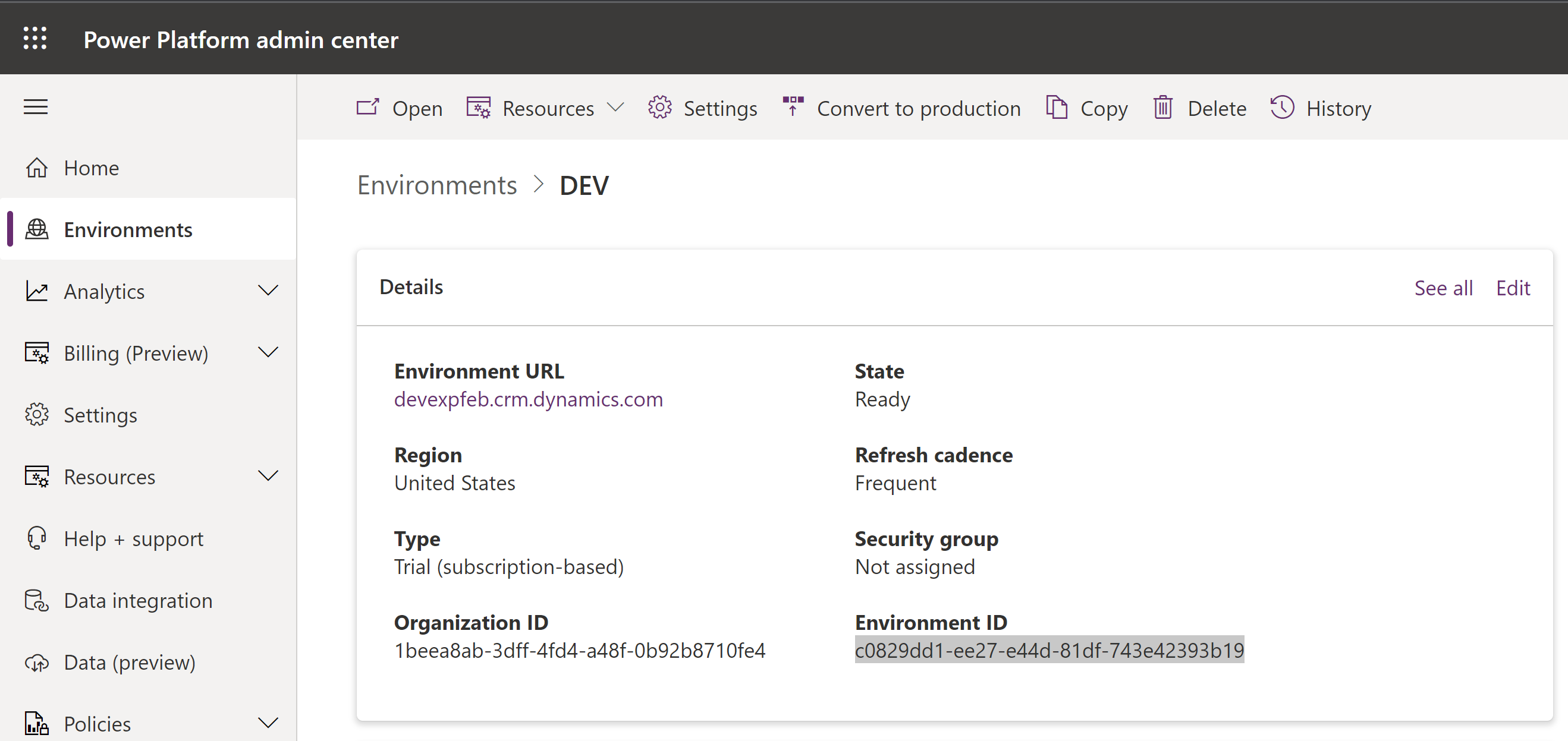
In few scenarios, we would need ‘Environment ID’ to perform actions. Lets see how to fetch the current Environment ID in Power Automate Flow.
Power Automate Flow to fetch current Environment ID:
- Create a ‘Manually trigger flow’ with a Compose action.
- Write the expression workflow()[‘tags’][‘environmentName’]

- Save and Test the flow.
- You will find the ‘Environment ID’ in the Compose action ‘Outputs’.

😉



 Rajeev Pentyala – Technical Blog on Power Platform, Azure and AI
Leave a reply to Canvas App | Get Environment ID without the need of cloud flow | Rajeev Pentyala – Microsoft Power Platform Cancel reply