In one of our Plug-in, we have logic to upload the note’s attachment to SharePoint server.
Everything was working as expected until we got this unexpected exception ‘Specified domain does not exist or cannot be contacted’.

Reason & Fix:
- Reason for this exception while updating Plug-in Assembly, I accidentally set the ‘Isolation mode’ to ‘Sandbox’.
- Since there was no trust established with SharePoint server, plug-in thrown exception when tried to upload file to SharePoint Document Library.
- Changing Isolation Mode to ‘None’ solved our issue.
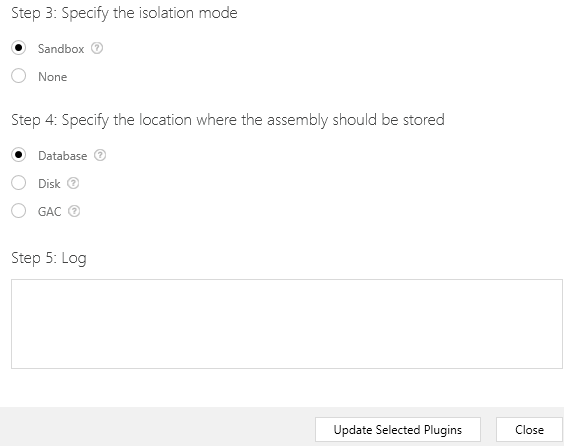
- Alternative way for Isolation ‘none’ is to establish trust. Refer this article on how establish trust.
🙂



 Rajeev Pentyala – Technical Blog on Power Platform, Azure and AI
Leave a reply to SR Cancel reply