Code apps allow developers to bring Power Apps capabilities into custom web applications built in a code-first IDE. You can develop the application locally and run the same app within the Power Platform.
To get started refer to Quickstart: Create a code app from scratch
In this post, I will share sample code that checks whether the logged-in user has a specific security role.
Prerequisites:
Your Code App must have the following Dataverse tables added as data sources:
- Users
- User Roles
- Roles
Use following commands:
pac code add-data-source -a dataverse -t systemuserrolespac code add-data-source -a dataverse -t rolepac code add-data-source -a dataverse -t systemuser
How to use the sample code:
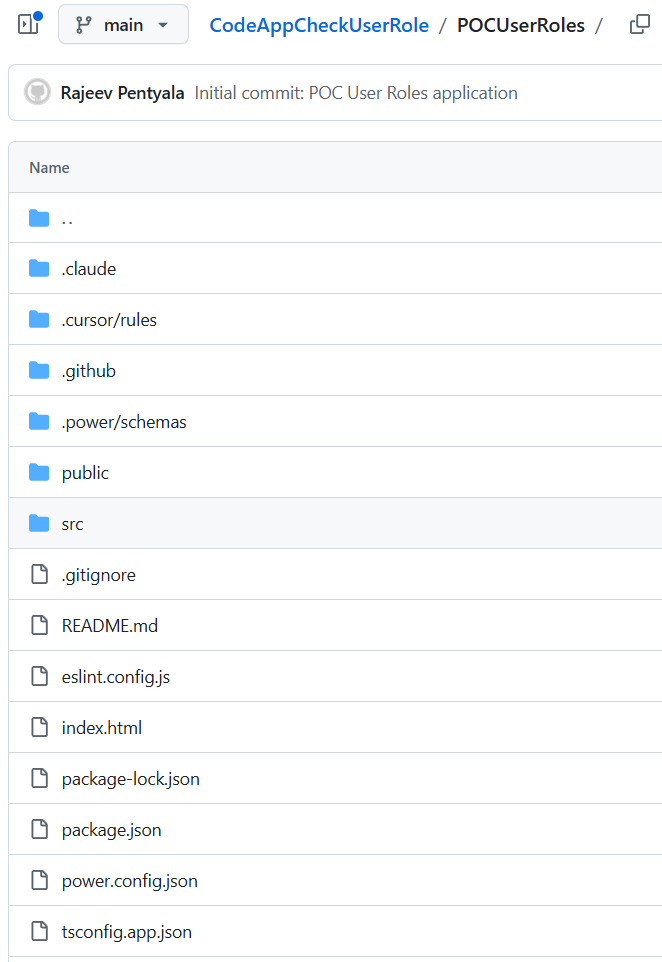
- Clone the GitHub project : CodeAppCheckUserRole
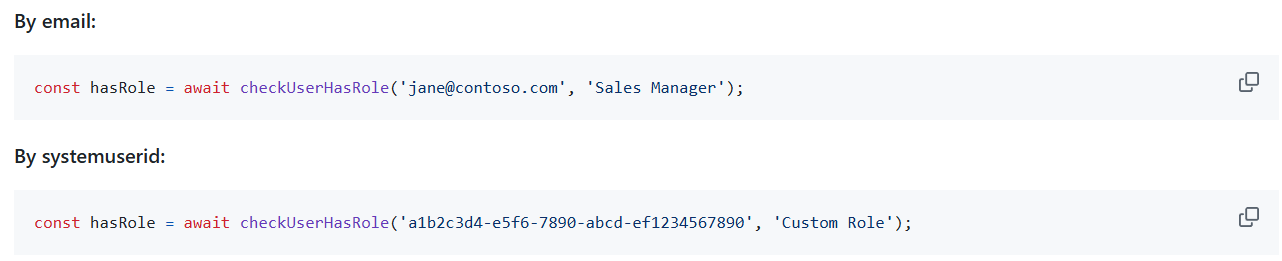
- You can pass either the user’s email or GUID as the first parameter, and the security role name as the second parameter to check against.
- The function performs three sequential Dataverse queries:
- Resolve the user — queries
systemuserswith the provided email or GUID to get thesystemuserid - Get role assignments — queries
systemuserrolescollectionfiltered bysystemuseridto get all assignedroleidvalues - Match role names — queries
rolesfiltered by the collected role IDs and does a case-insensitive comparison againsttargetRoleName
- Resolve the user — queries
- Refer the Readme file for more details
🙂


![[Step by Step] Beginner : Create a PCF control and add it to a custom page](https://rajeevpentyala.com/wp-content/uploads/2024/12/image-49.png)
 Rajeev Pentyala – Technical Blog on Power Platform, Azure and AI
Leave a comment