If you use GitHub Copilot in VS Code, you already know how powerful it is.
But by default, Copilot only works with typed prompts. There is no built-in speech-to-text or text-to-speech experience.
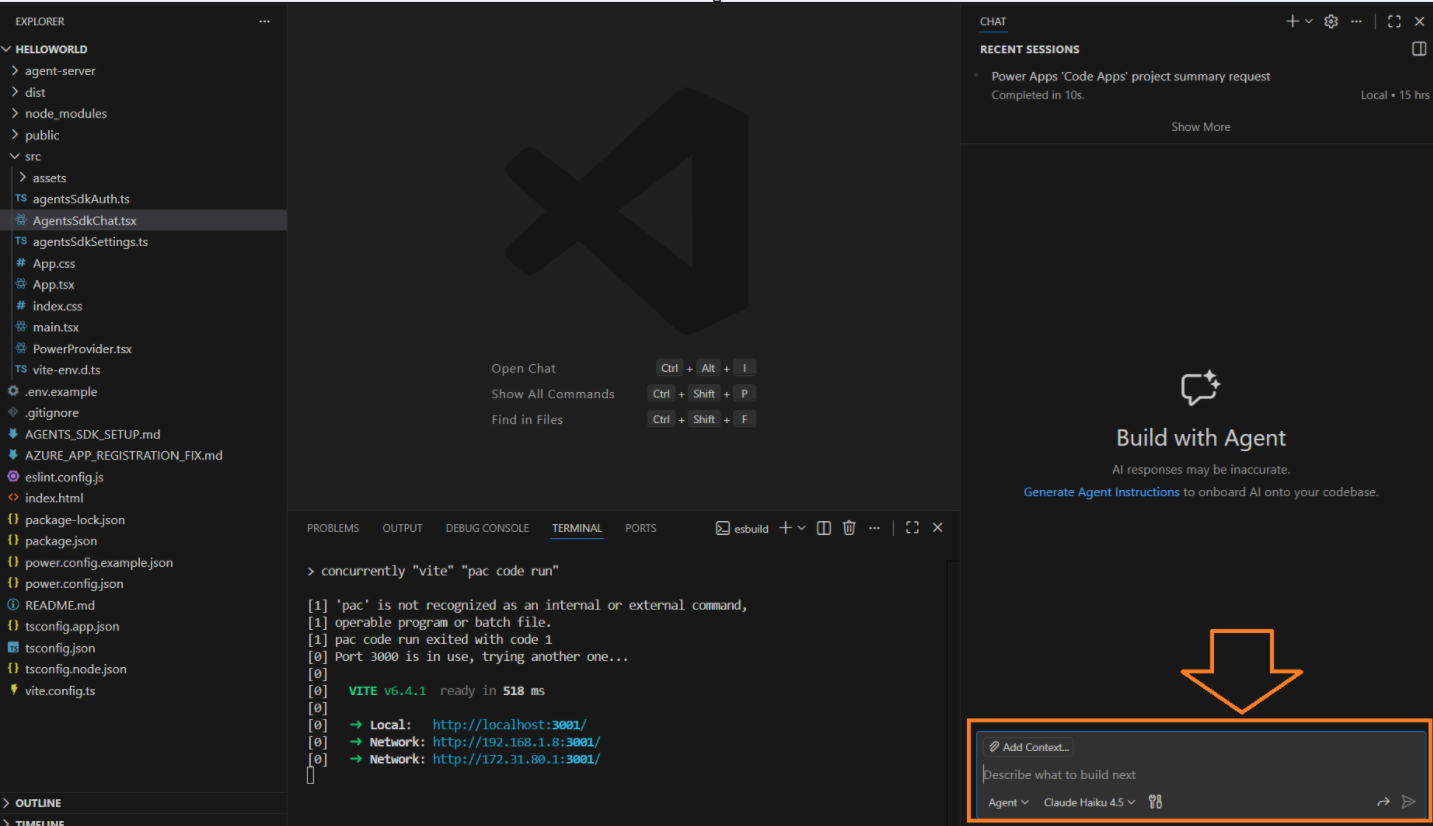
Good news: this can be easily solved using the VS Code Speech extension.
What is VS Code Speech?
- VS Code Speech is an extension for Visual Studio Code that adds, adds speech-to-text and text-to-speech capabilities to Visual Studio Code.
- No internet connection is required.
- The voice audio data is processed locally on your computer.
Install VS Code Speech extension as shown below:
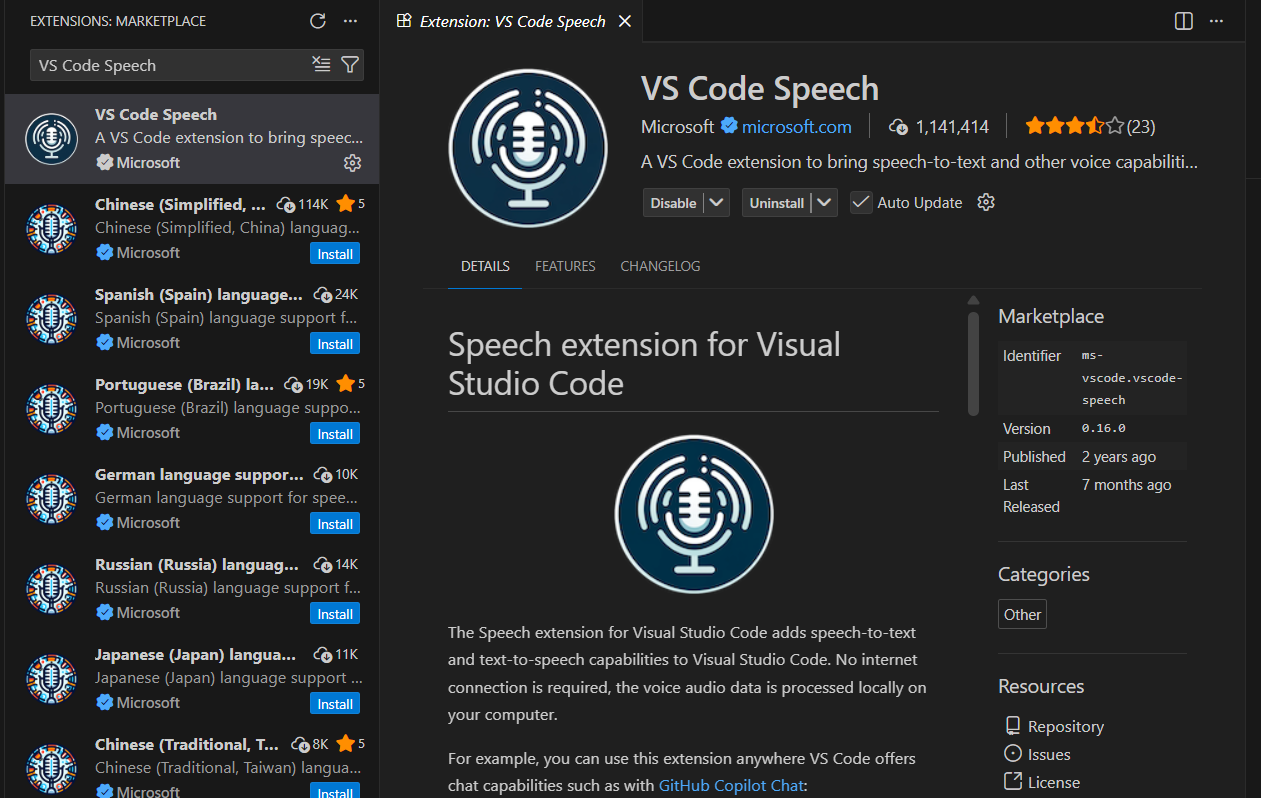
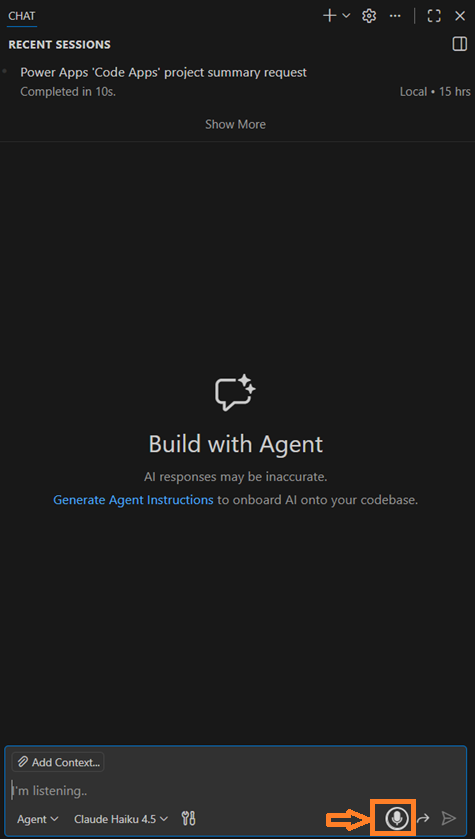
Once you install VS Code Speech, you can:
- Dictate prompts instead of typing
- Speak natural questions like: “Explain this function”, “Refactor this code for readability”, “Generate unit tests for this class”
🙂


 Rajeev Pentyala – Technical Blog on Power Platform, Azure and AI
Leave a comment