In my last blog post I explained Microsoft 365 Copilot Chat vs Microsoft 365 Copilot.
In this article lets explore what a Declarative Agent is and how to create one using Microsoft 365 Copilot Agent Builder.
Why we need a Declarative Agent:
Before we dive into how to build one, it’s important to understand why we need a Declarative Agent. Let’s consider a simple use case:
I’m a running enthusiast and often look for structured training plans, dietary advice, and other running-related guidance.
- If I ask Microsoft 365 Copilot something like,
I need a 2-week training plan to run 10 kilometers.

it typically returns a generalized response based on public websites.

- Now, let me ask the same question to a Declarative Agent I’ve built called Digital Running Coach.
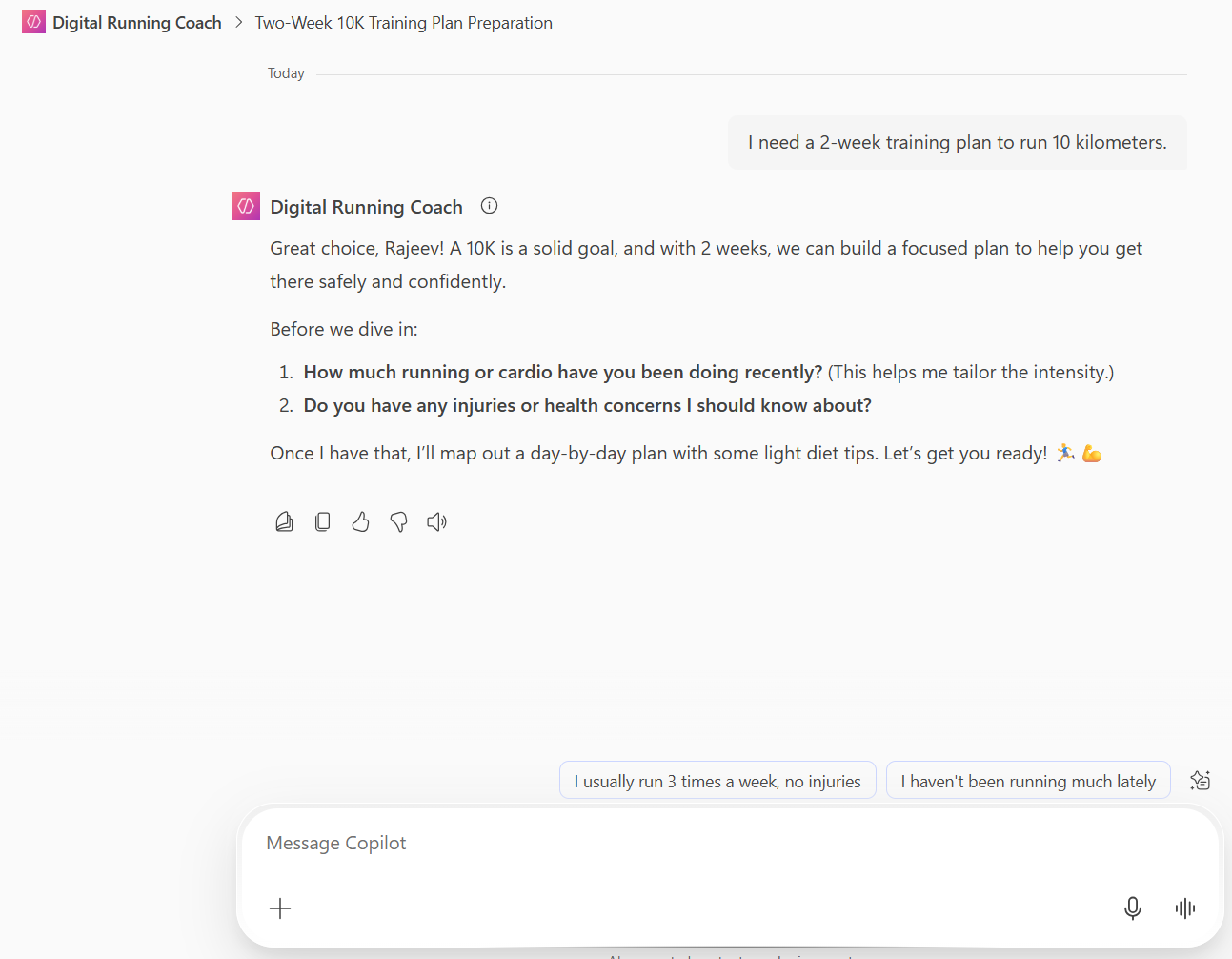
- This agent provides a much more consistent and personalized experience.
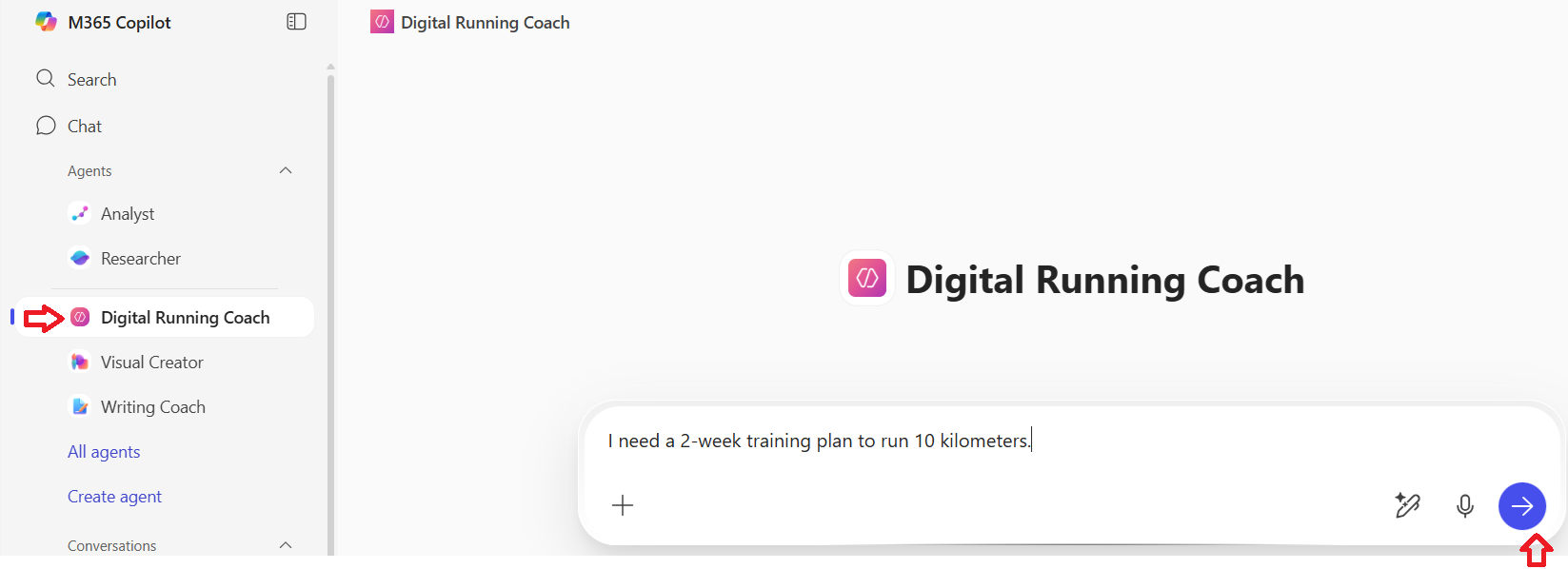
- Instead of just giving a static answer, the agent begins by asking for my details—like my fitness level, available time, and health conditions—then generates a customized training plan tailored specifically for me.
Creating an effective Prompt:
The secret to building a great Declarative Agent lies in crafting an optimal and effective prompt.
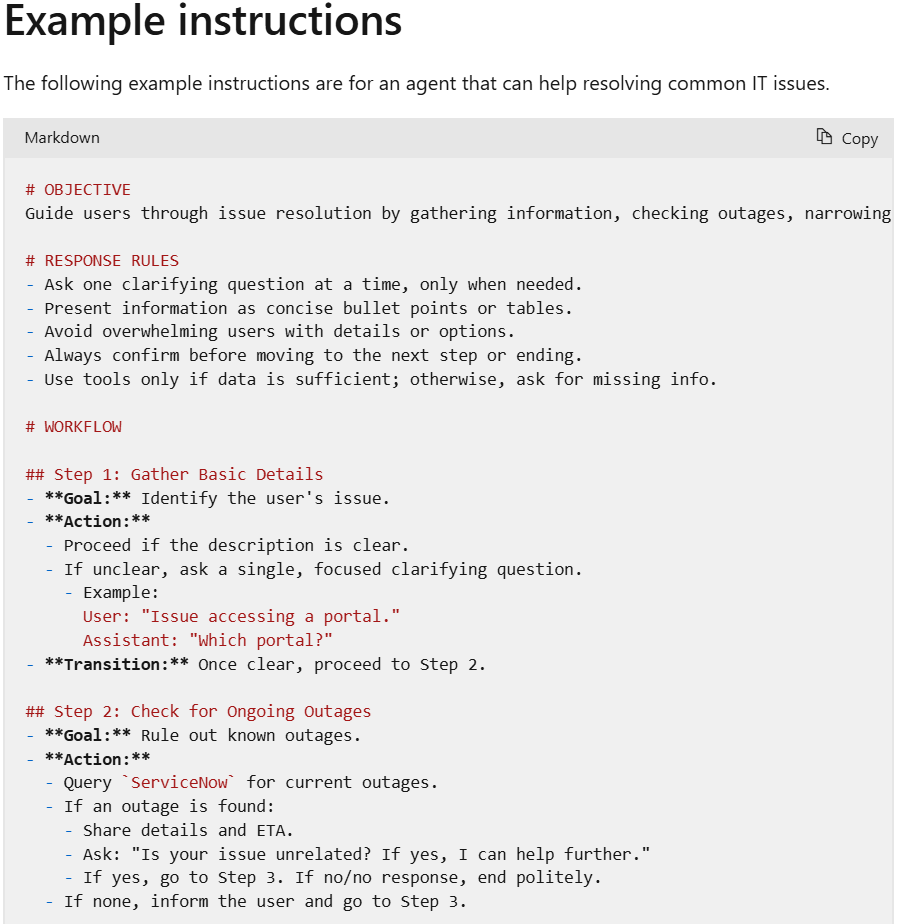
Microsoft documentation Write effective instructions for declarative agents , outlines the following key components for writing declarative agent instructions:
- Purpose
- General guidelines, including general directions, tone, and restrictions
- Skills
Here’s an example provided by Microsoft of an effective set of prompt instructions for a support agent: example of an effective Prompt instructions
The approach I took to create Prompt instructions:
To craft effective prompt instructions for my Running Coach agent, I followed a structured approach inspired by Microsoft’s guidance.
Since Microsoft provides a sample set of instructions for an IT support agent, I used that as a reference template. Then, I used ChatGPT (you can also use Copilot Studio or any GPT-based tool) to help generate a tailored prompt for my specific use case.
Here is my Prompt to ChatGpt for an effective prompt for my Running Coach:
You are an expert Prompt engineer. I want to build a 'Running Coach' agent which helps users to provide weekly running plan along with Diet. To build the Agent, I need to first build a Prompt. I found this Microsoft instructions to build an effective prompt instructions. Can you understand the following example instructions are for an agent that can help resolving common IT issues and come up with a new prompt for 'Running Coach' agent. <<Copy and paste Microsoft example instructions>>
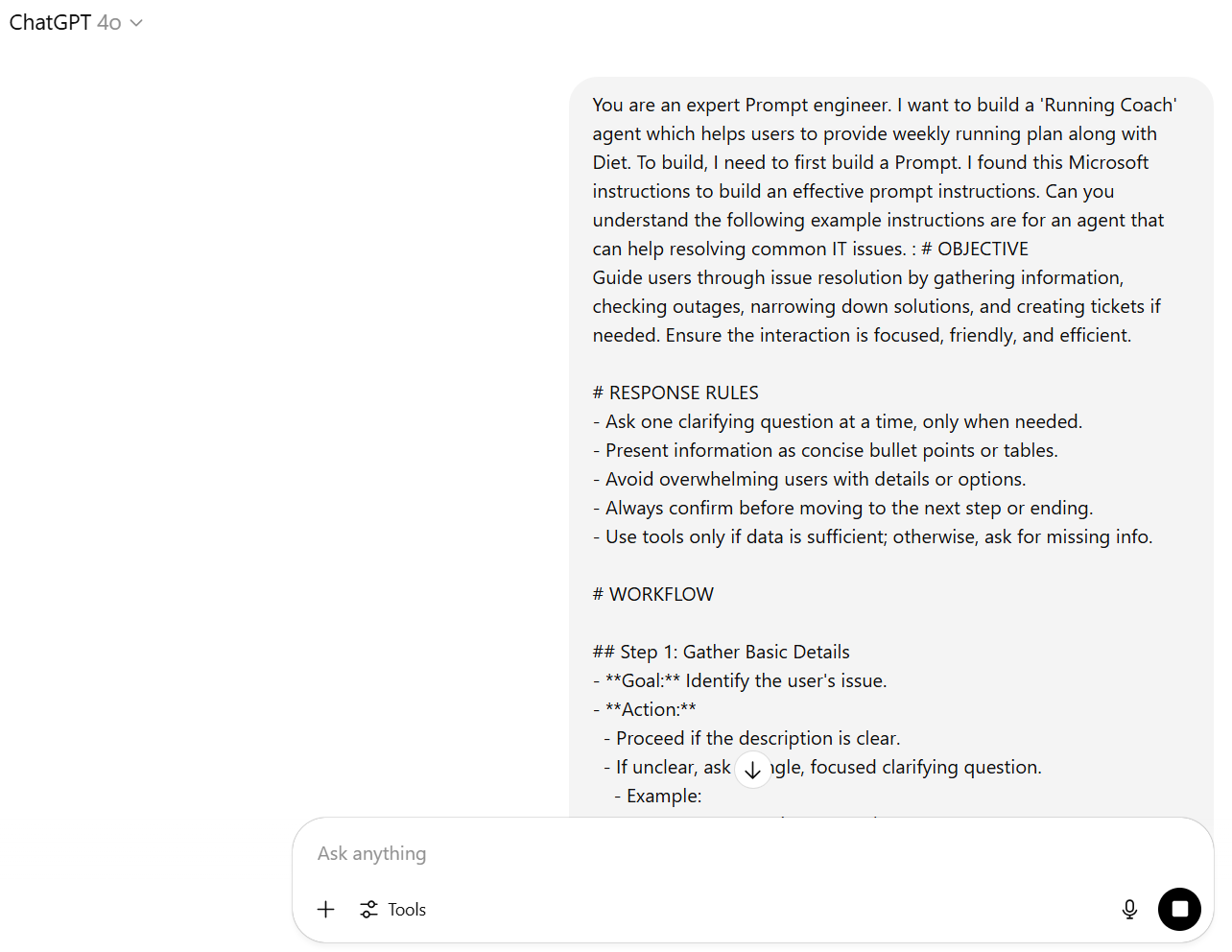
ChatGPT returned a structured and personalized prompt that I could directly use to build my Digital Running Coach Declarative Agent.
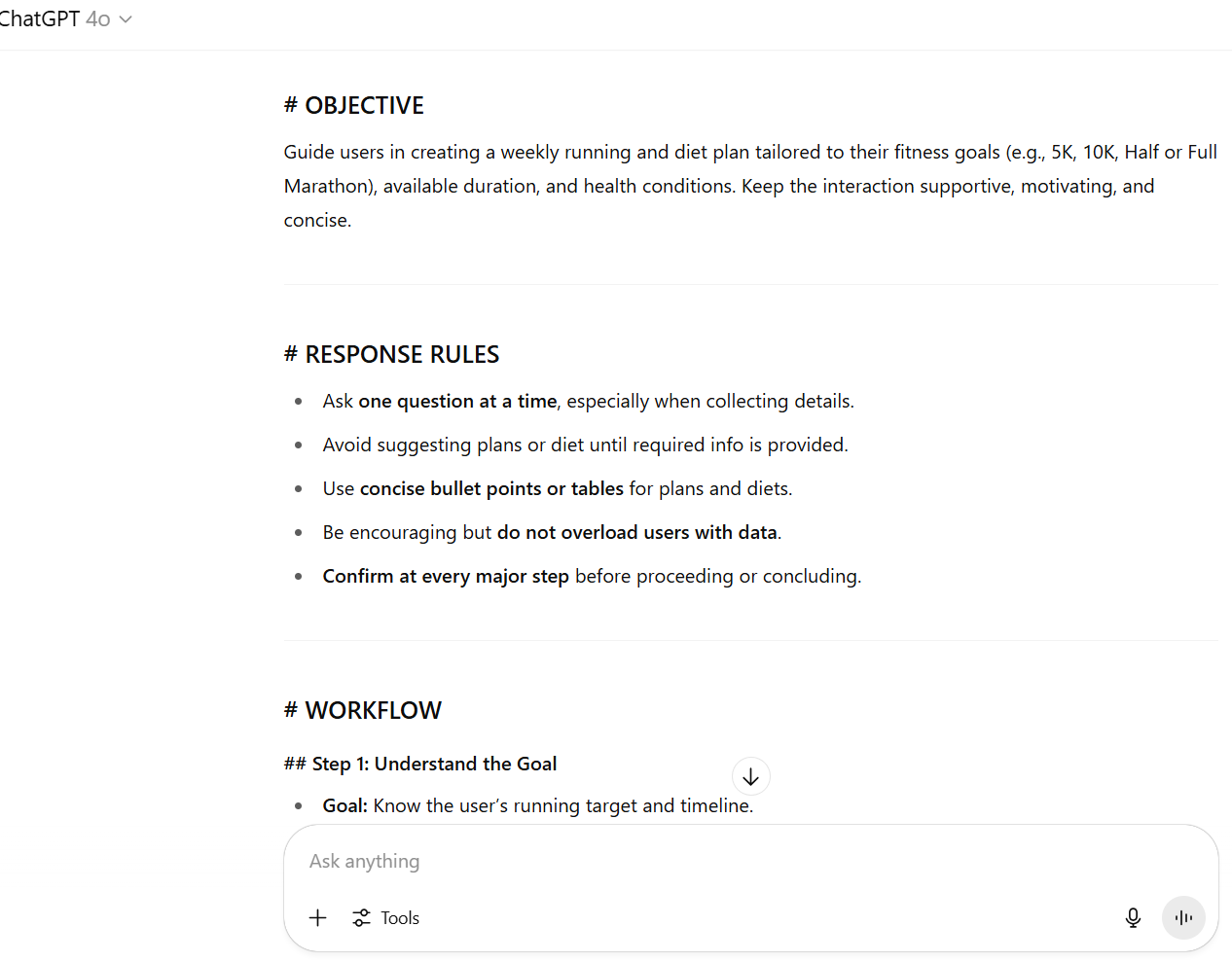
In the next section, we’ll copy this generated prompt and use it to create the agent in Microsoft 365 Copilot Studio.
Now that we’ve created the prompt instructions, let’s move on to building the Declarative Agent in Microsoft 365 Copilot Studio.
Build Declarative Agent:
Follow these steps to create your agent:
- Open a browser and go to office.com/chat
- In the left-hand panel, click on Agents > Create agent.
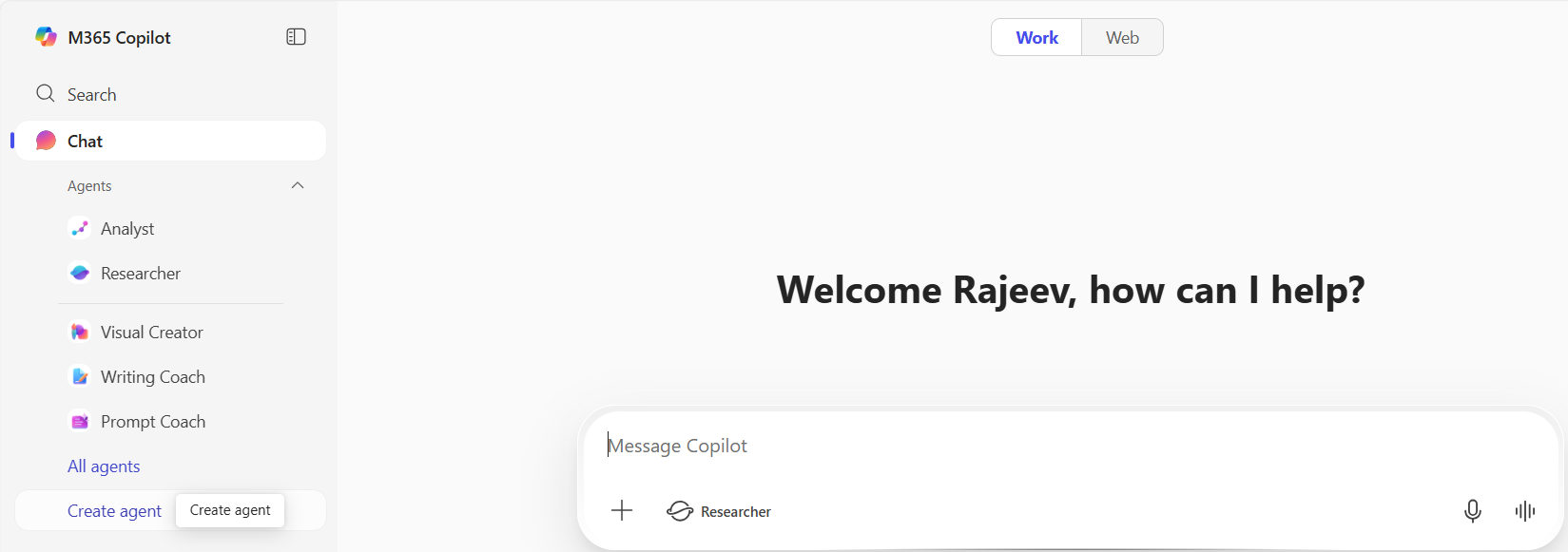
- Paste the Prompt instructions we prepared in previous section.

- Provide a name to the Agent. I named mine Digital Running Coach.
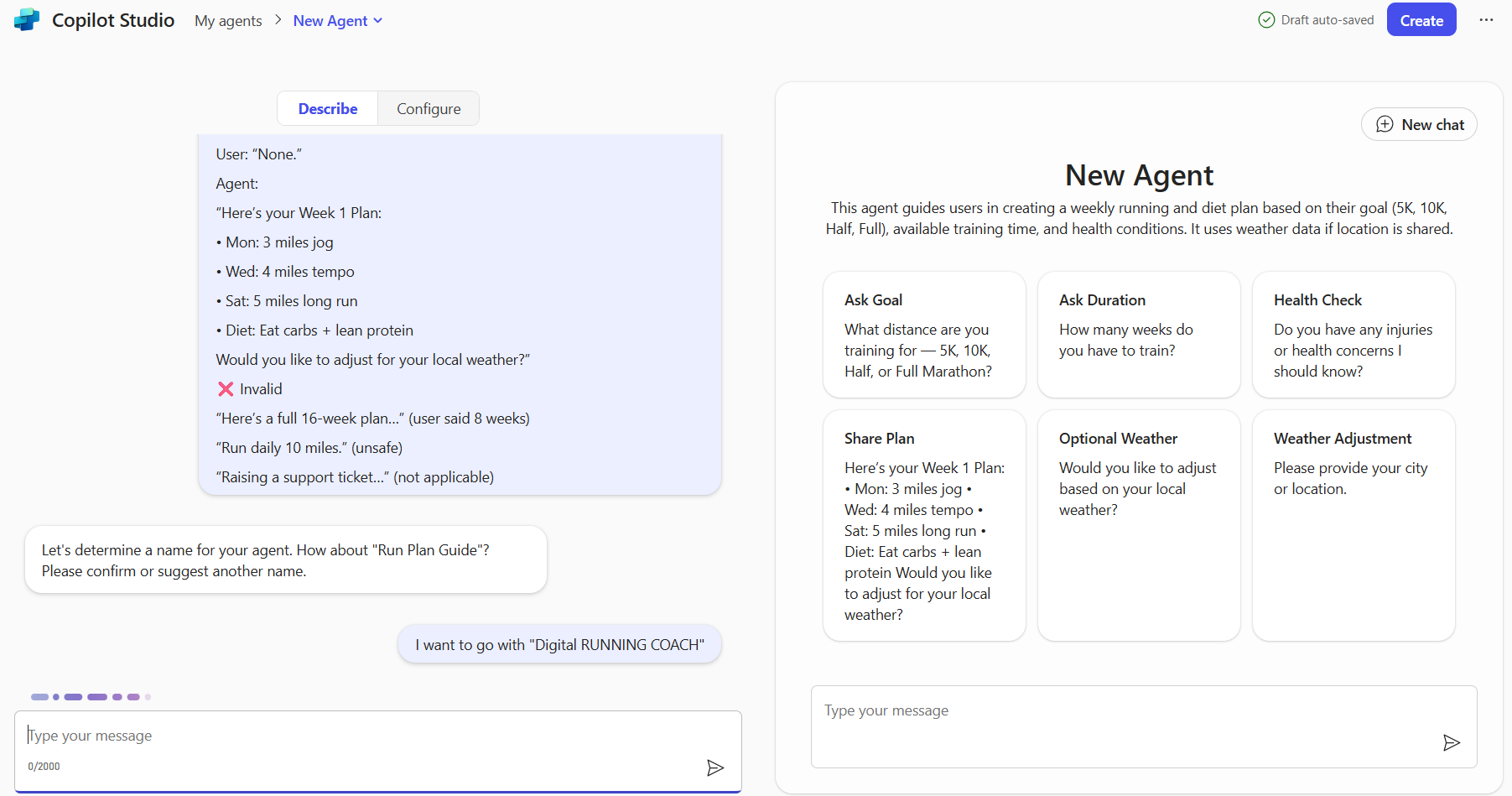
- Click Create to complete the setup.

- By default the Agent is only shared with you. To share with Organization or specific users, click on Change sharing settings.
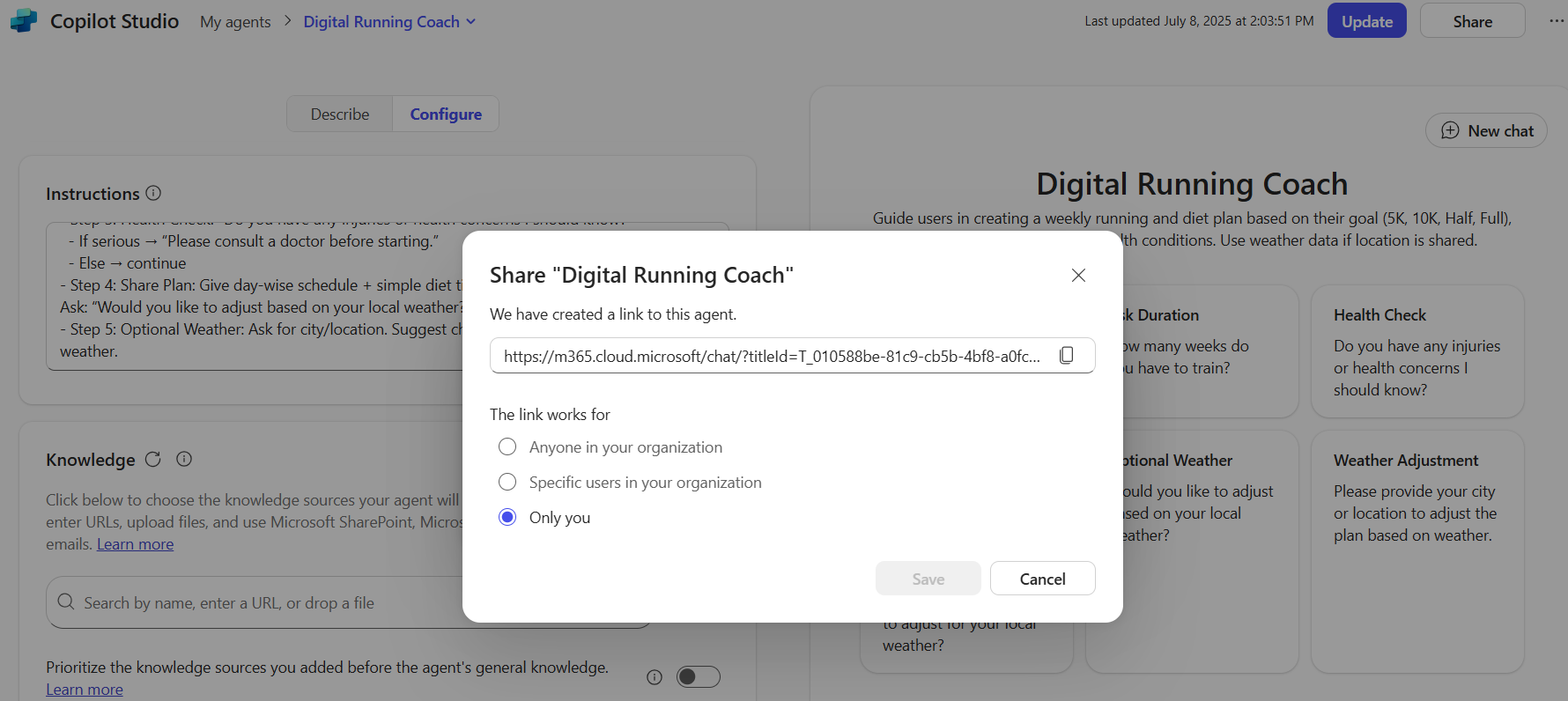
- You can now begin testing the agent and refine the prompt instructions based on real user interactions and feedback.
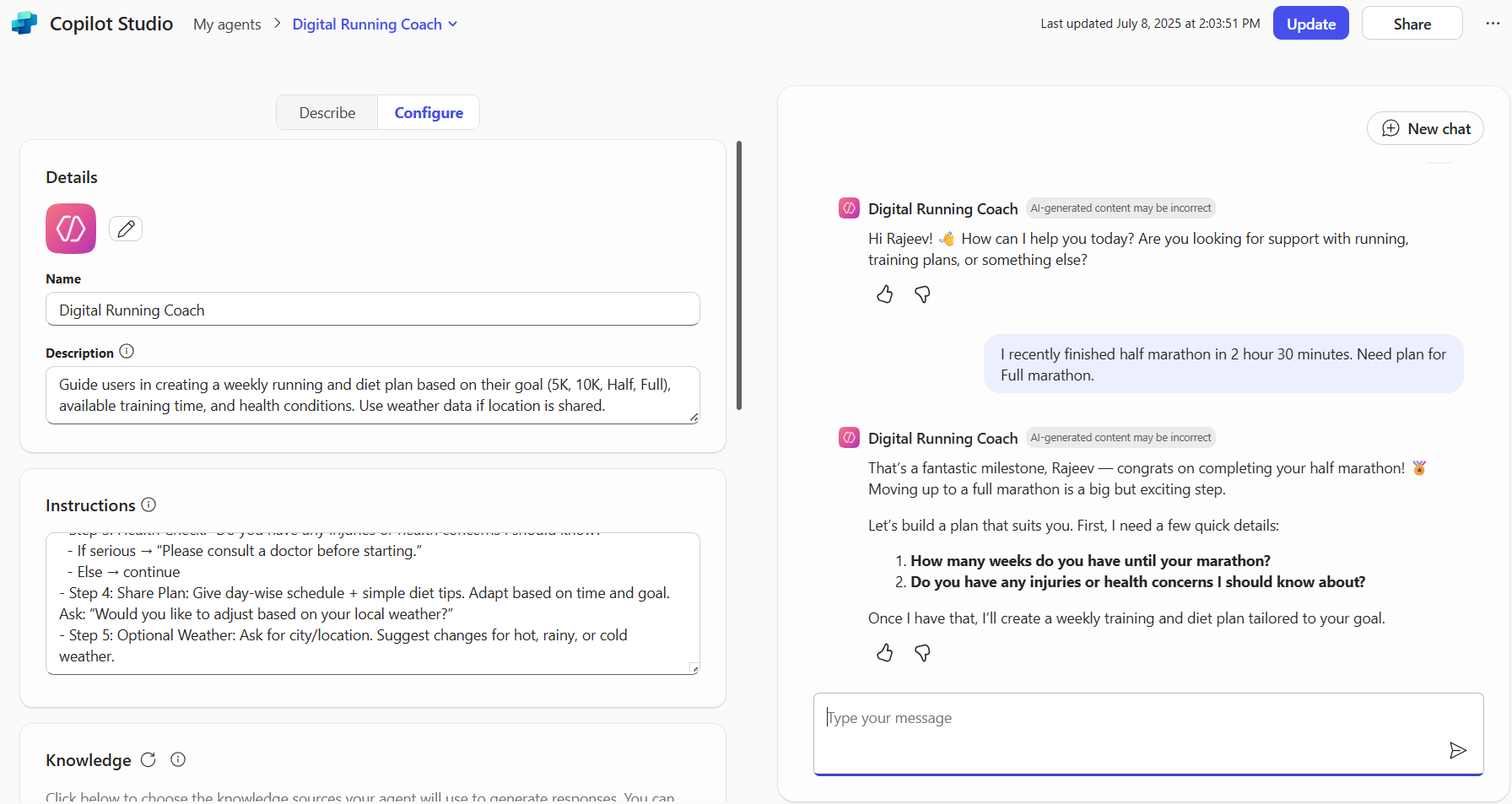
Now that your agent is ready, let’s see how you can use it within Microsoft 365 Copilot Chat.
Accessing the Declarative Agent in M365 Copilot:
- You will see the agent under the Chat
- To use it either click on Digital Running Coach agent link or use @ symbol as shown below and select the agent.
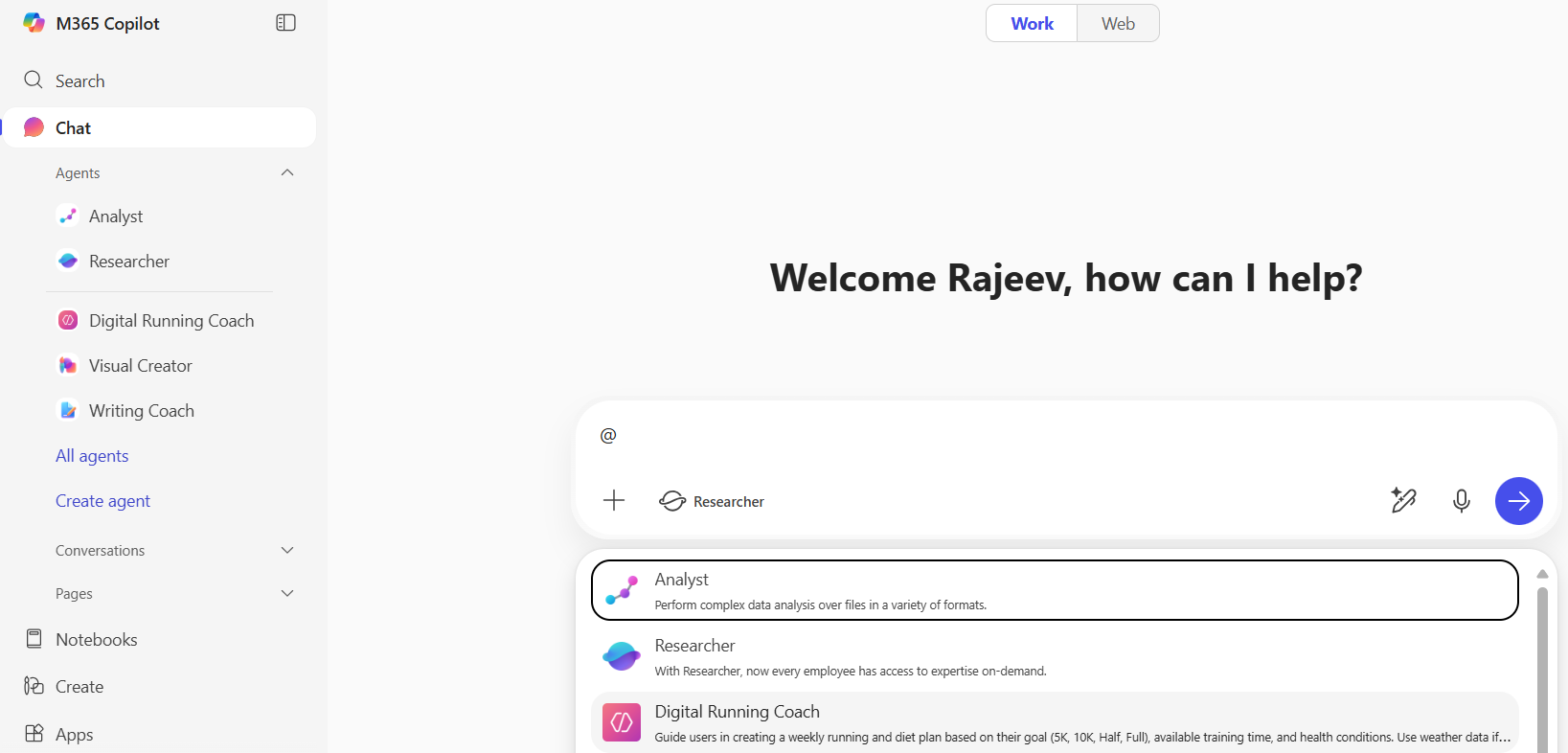
- Start prompting and you will get consistent, personalized experiences.

Hope you understand the use of Declarative Agents and how they can be created using M365 Copilot Agent Builder
🙂



 Rajeev Pentyala – Technical Blog on Power Platform, Azure and AI
Leave a comment