As we know, the ‘Switch to classic’ option in the maker portal allows us to navigate to the legacy web application. In this article, let’s explore how to turn off the ‘Switch to classic’ option.

Turn off the ‘Switch to classic’ option:
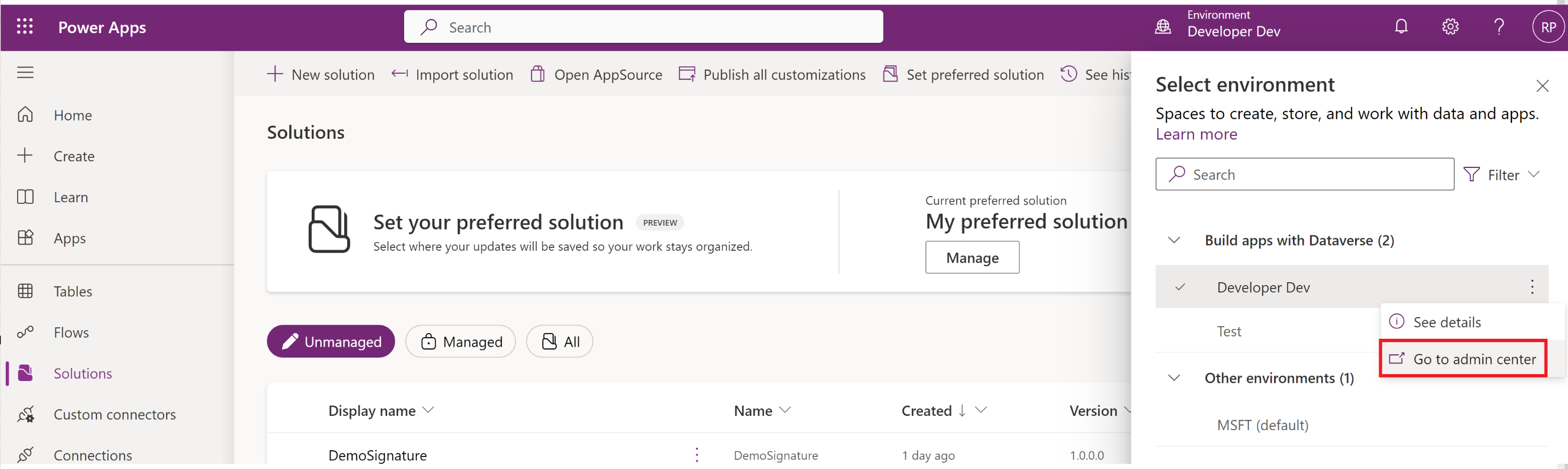
- From the maker portal, select the environment and click on ‘Go to admin center’.
- Go to Settings > Product > Behavior. Turn off the ‘Show the Switch to classic buttons in Power Apps‘

- ‘Switch to classic’ option will not be available in maker portal.

🙂


 Rajeev Pentyala – Technical Blog on Power Platform, Azure and AI
Leave a comment