In one of my previous articles I explained the steps to fetch the Environment ID in Power Automate flows.
In this article, lets see how to leverage Canvas Apps table data source, to fetch the Environment ID in Canvas App.
What is Environment Id
- In Power Platform, Environment is a space to store, manage, and share your organization’s business data, apps, chatbots, and flows.
- Every Environment will be associated with an unique identifier.
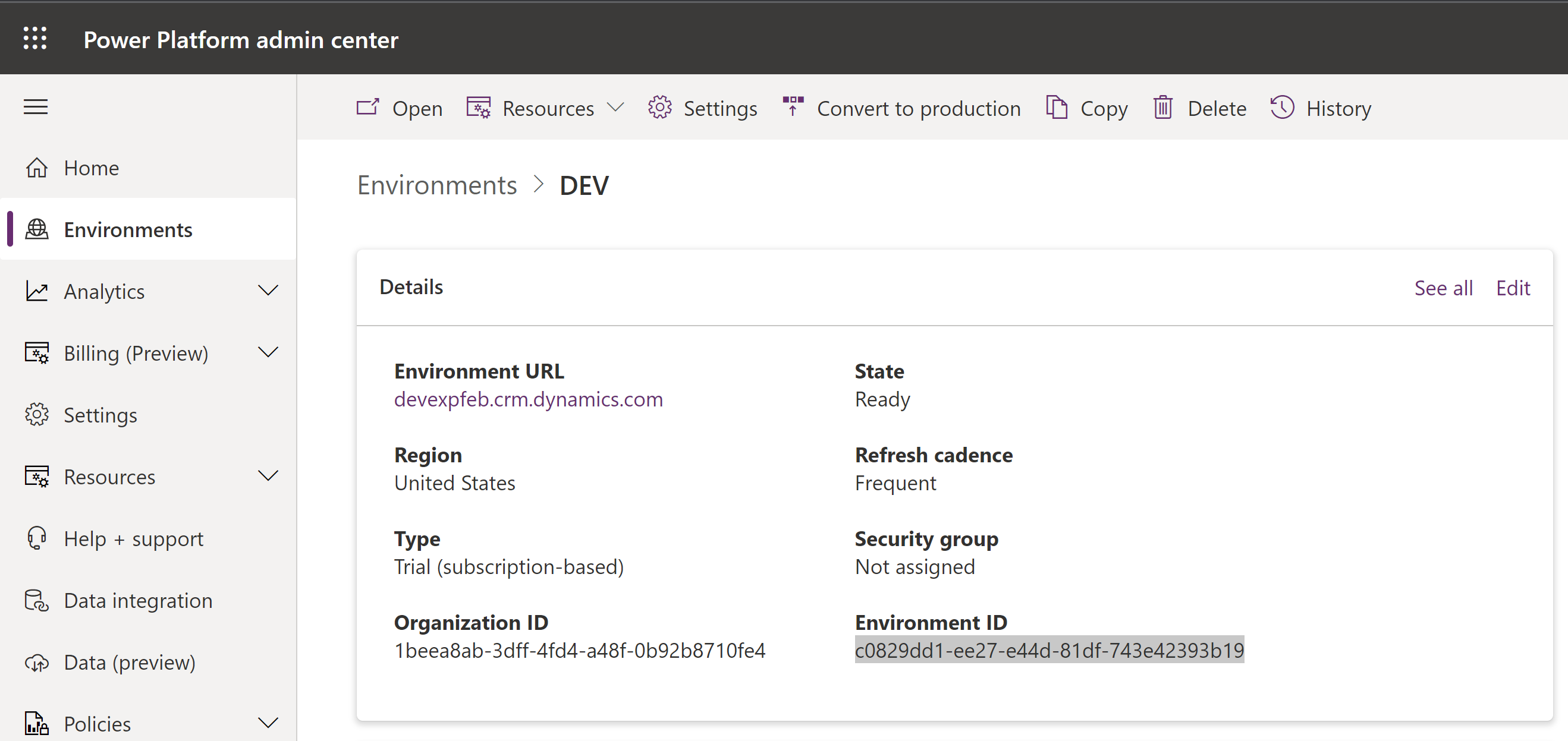
Steps to fetch the Environment ID in Canvas App:
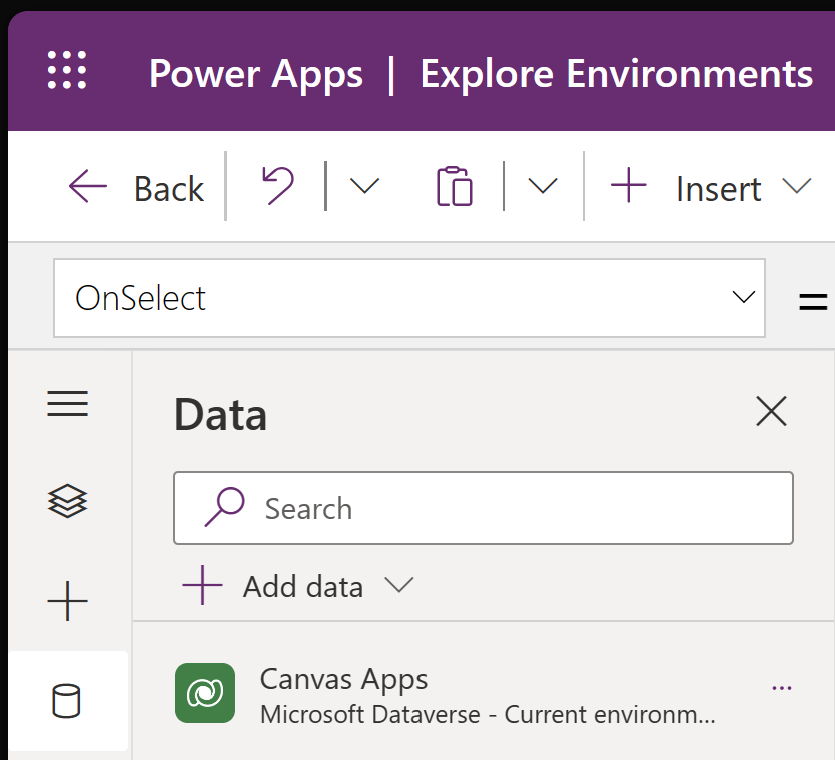
- Add the Canvas Apps table data source to your Canvas App.
- Add a Button and on onselect paste the following formula
Set(CurrentAppUri, First('Canvas Apps').AppOpenUri);
Set(CurrentEnvironmentID, Right(Match(CurrentAppUri,"/e/.*(?=/a)").FullMatch,36));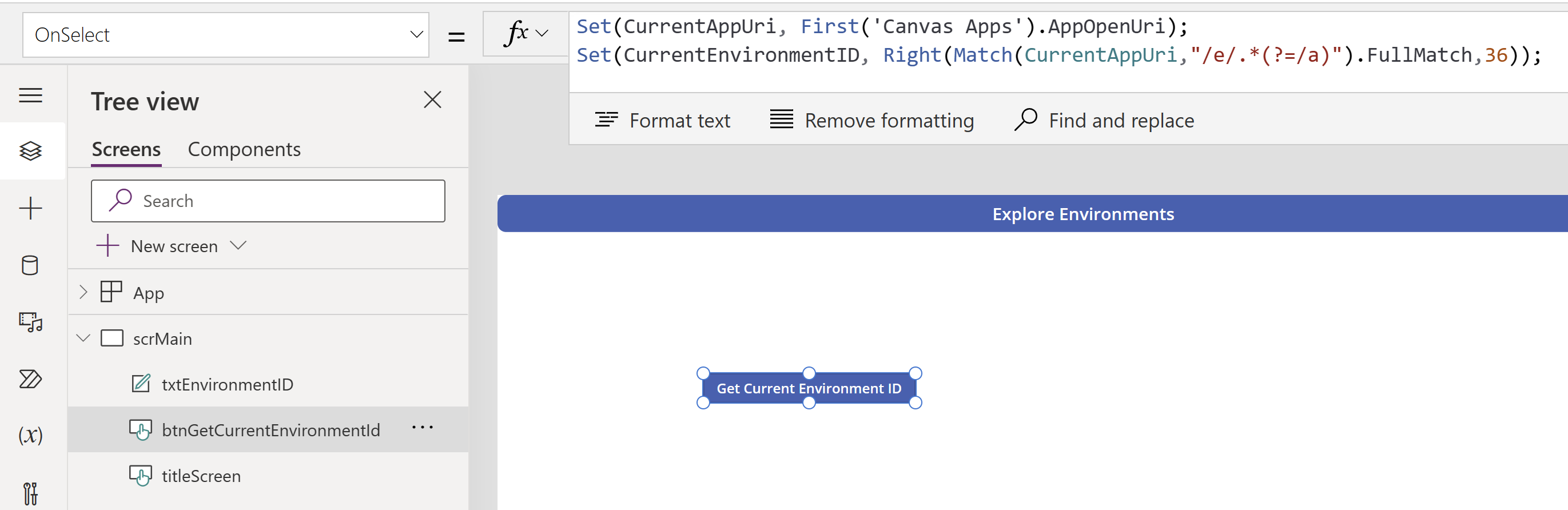
- If you notice the formula, Environment ID has been captured and got set in to ‘CurrentEnvironmentID’ variable.
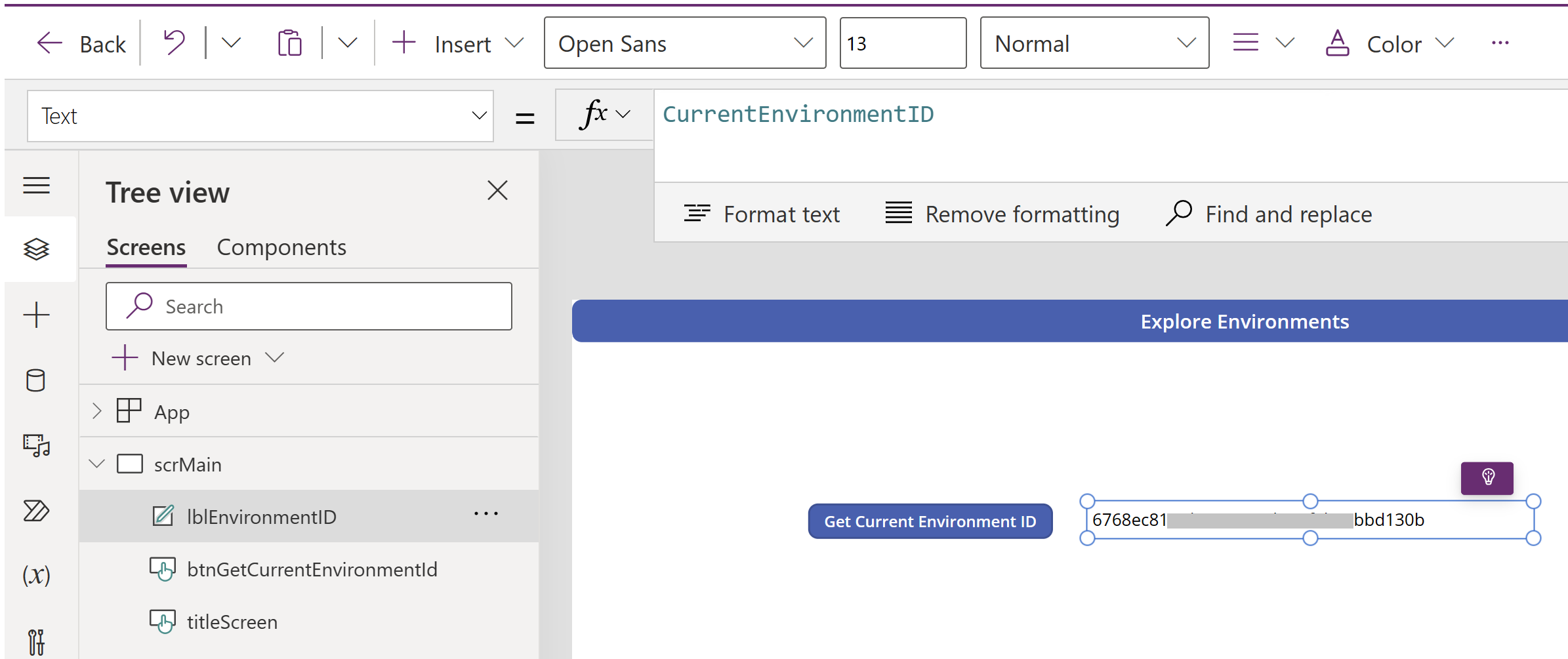
- Add a label to display the Environment ID.
🙂



 Rajeev Pentyala – Technical Blog on Power Platform, Azure and AI
Leave a reply to SharePoint Site with Env GUID Shared safely across PowerPlatform Lifecycle | SPJeff Cancel reply