Imagine a scenario, where you have to create/update a record by using any of the below options from the browser
- By passing the required field checks
- Make any hidden fields, tabs, sections visible
- Enable all the read-only fields which are locked
The answer is ‘God Mode’ by installing a chrome browser extension Level up for Dynamics CRM/365.
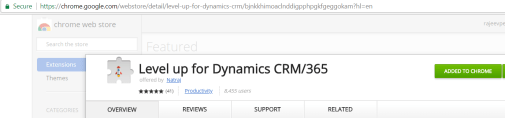
After installing the extension, you would get the ‘Level Up’ icon on your chrome address bar.
Using God mode:
- Open the record you would want to use ‘God Mode’
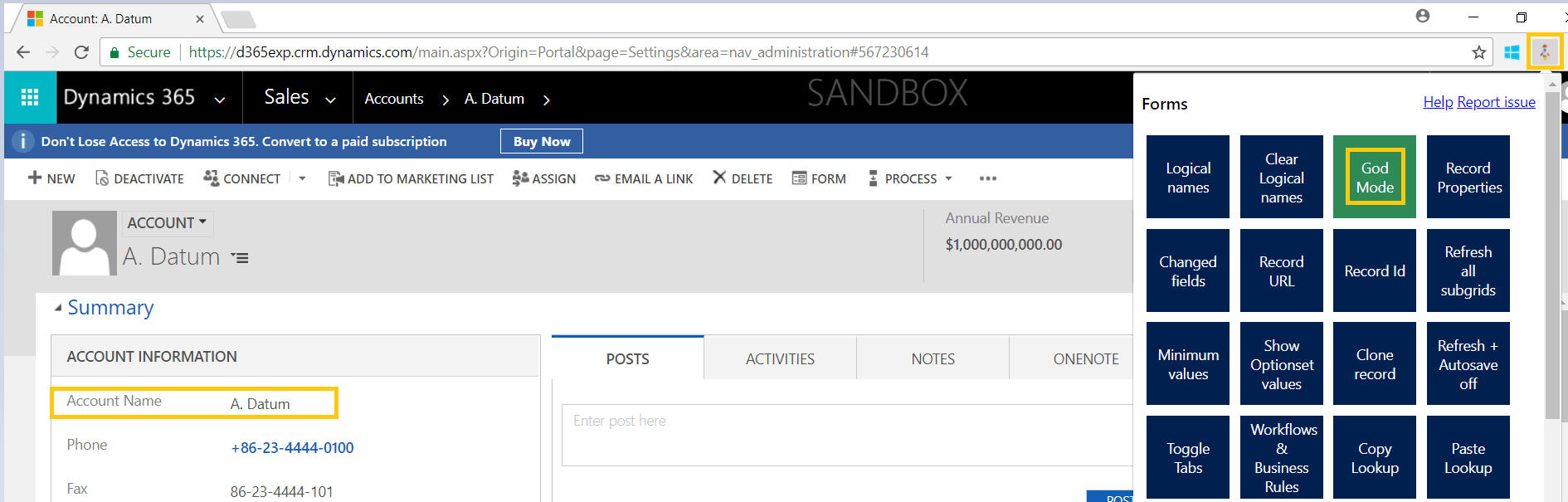
- Choose ‘God Mode’ option from the Level Up Menu
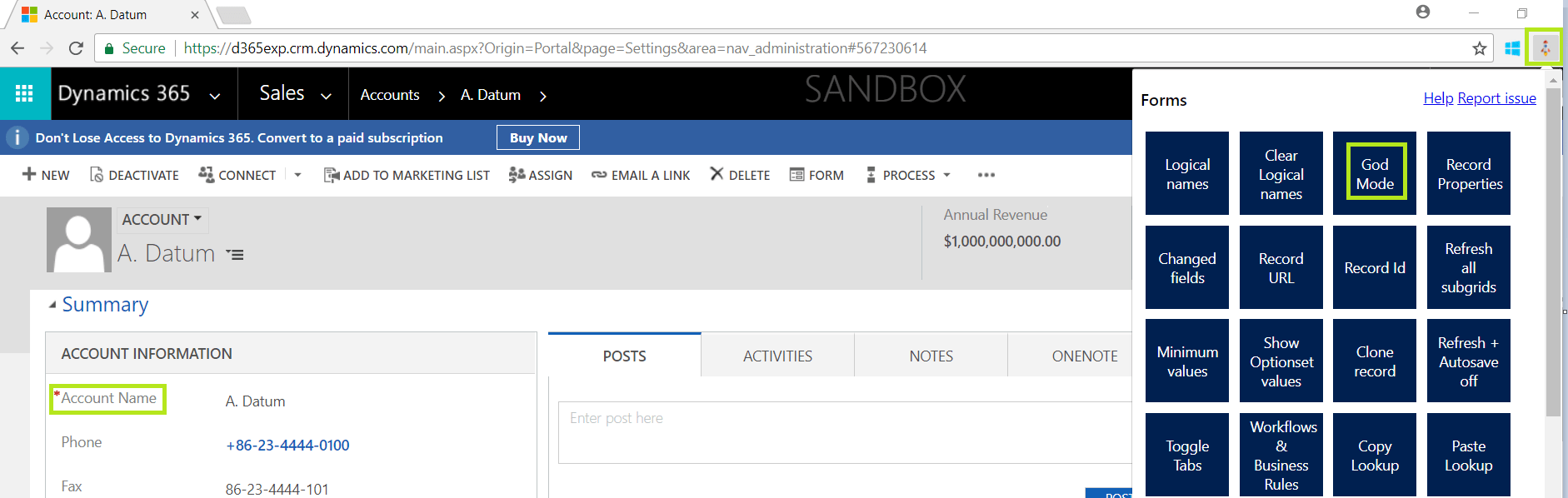
- Up on choosing the ‘God Mode’ all required fields would become optional and all your hidden/disables fields become visible and enabled.
Note:
- Even though the option is flexible and easy to use, it has to be used judiciously to avoid any misuse.
🙂



 Rajeev Pentyala – Technical Blog on Power Platform, Azure and AI
Leave a reply to rag Cancel reply