Recently I got a requirement to list out all Custom fields which is of type Lookup & Option set.
Using ‘Meta Data Browser’ tool I achieved it very easily
Steps :
- Import the “MetaDataBrowser” solution from “SDK\Tools\MetadataBrowser”
- After import, open the solution and in the solution’s configuration page you will find 2 buttons
- Open Metadata Browser
- Open Entity Metadata Browser
- Click on “Open Entity Metadata Browser” to get meta data of desired entity

- Choose ‘Attributes’ and click on “Filter Attributes” button to filter attributes

Note :
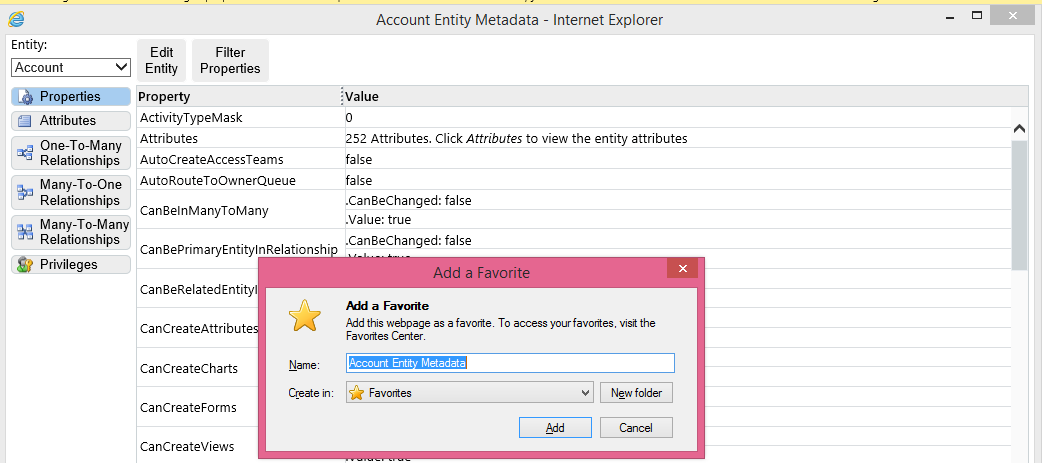
- You can bookmark the entity meta data browser (in IE its Ctrl + D) so that you don’t need to open solution every time.
🙂


![[Step by Step] Beginner : Create a PCF control and add it to a custom page](https://rajeevpentyala.com/wp-content/uploads/2024/12/image-49.png)
 Rajeev Pentyala – Technical Blog on Power Platform, Azure and AI
Leave a comment