Did you know that you can now easily choose key settings while creating an Agent in Copilot Studio?.
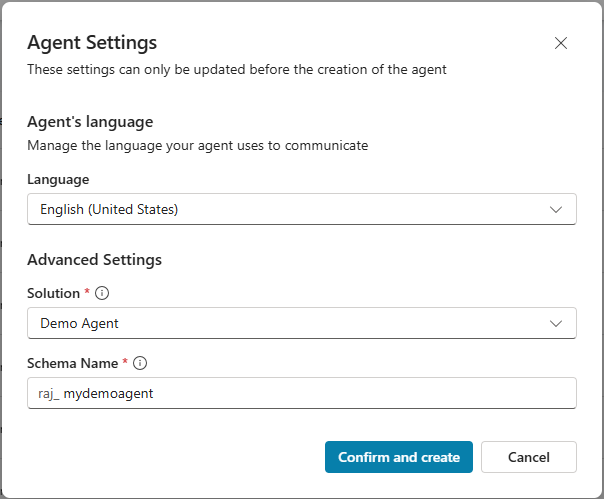
In Copilot Studio, go to Agents > Advanced create

In the Agent Settings popup, select the options such as Language, Solution, and Schema Name, then click Confirm and create.
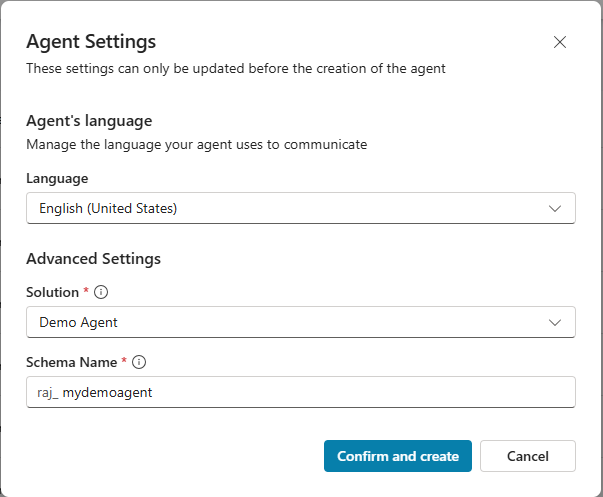
You will be redirected to the agent configuration screen as shown below.

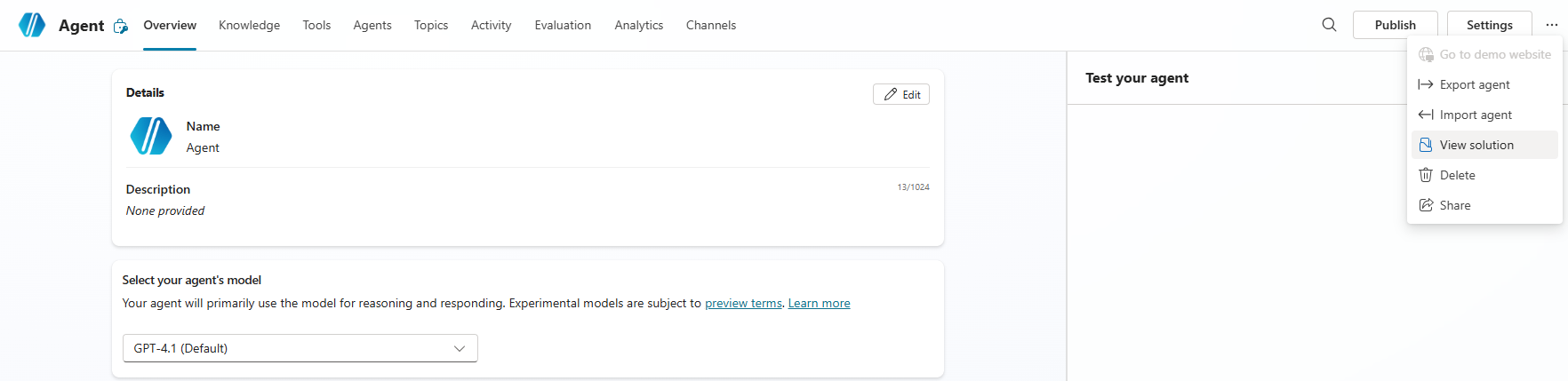
To verify whether the agent has been added to the selected Dataverse solution, click View Solution.
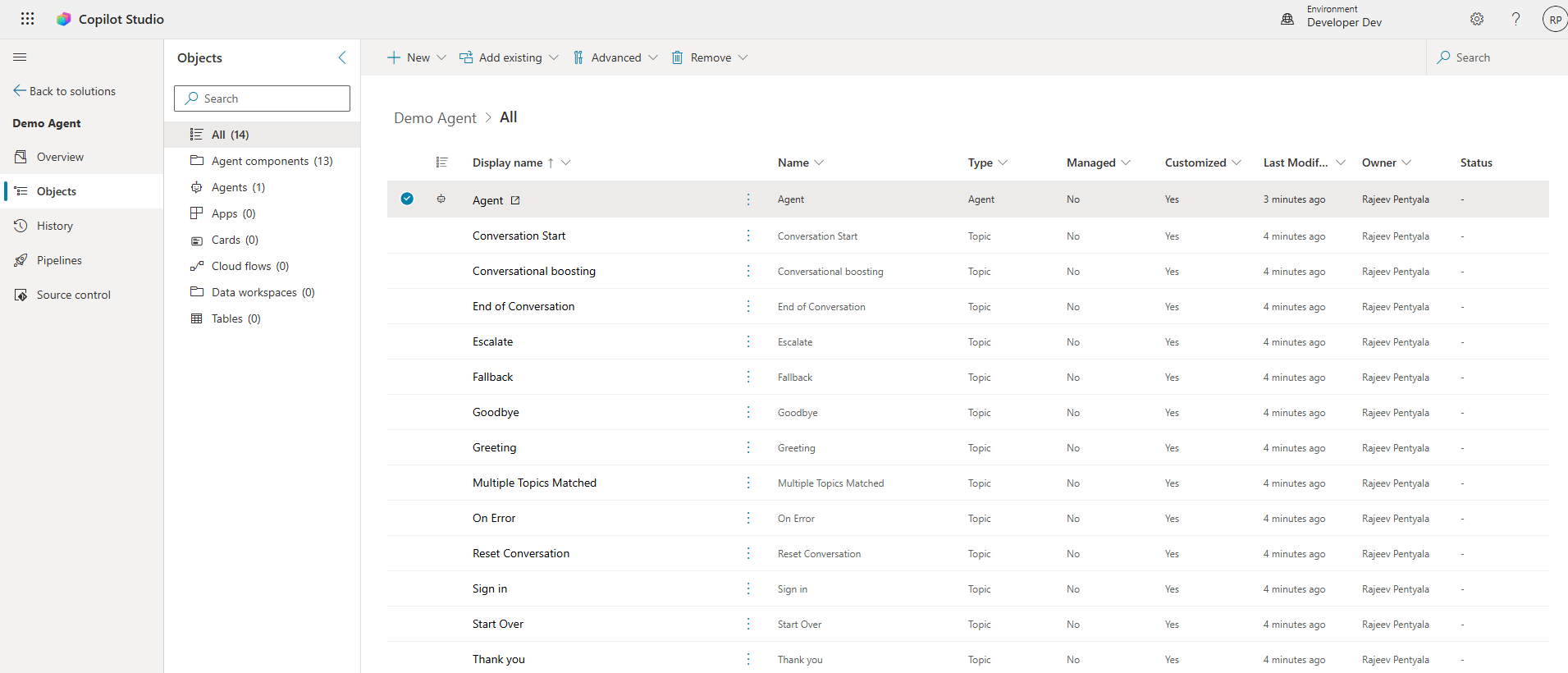
You’ll see that the agent and its related components are mapped to the solution.
This is a very useful option because these settings (Language, Solution, and Schema Name) can only be defined before the agent is created and cannot be changed afterward.
🙂



 Rajeev Pentyala – Technical Blog on Power Platform, Azure and AI
Leave a comment