After creating a Service Principal using the pac admin create-service-principal command as outlined here : pac cli | Create a Service Principal with one command
I used the same Application (i.e., Client ID) for my custom connector authentication. I successfully configured it without any issues.

However, while attempting to create a Connection for testing, I encountered an issue stating that the administrator has blocked access to the application.
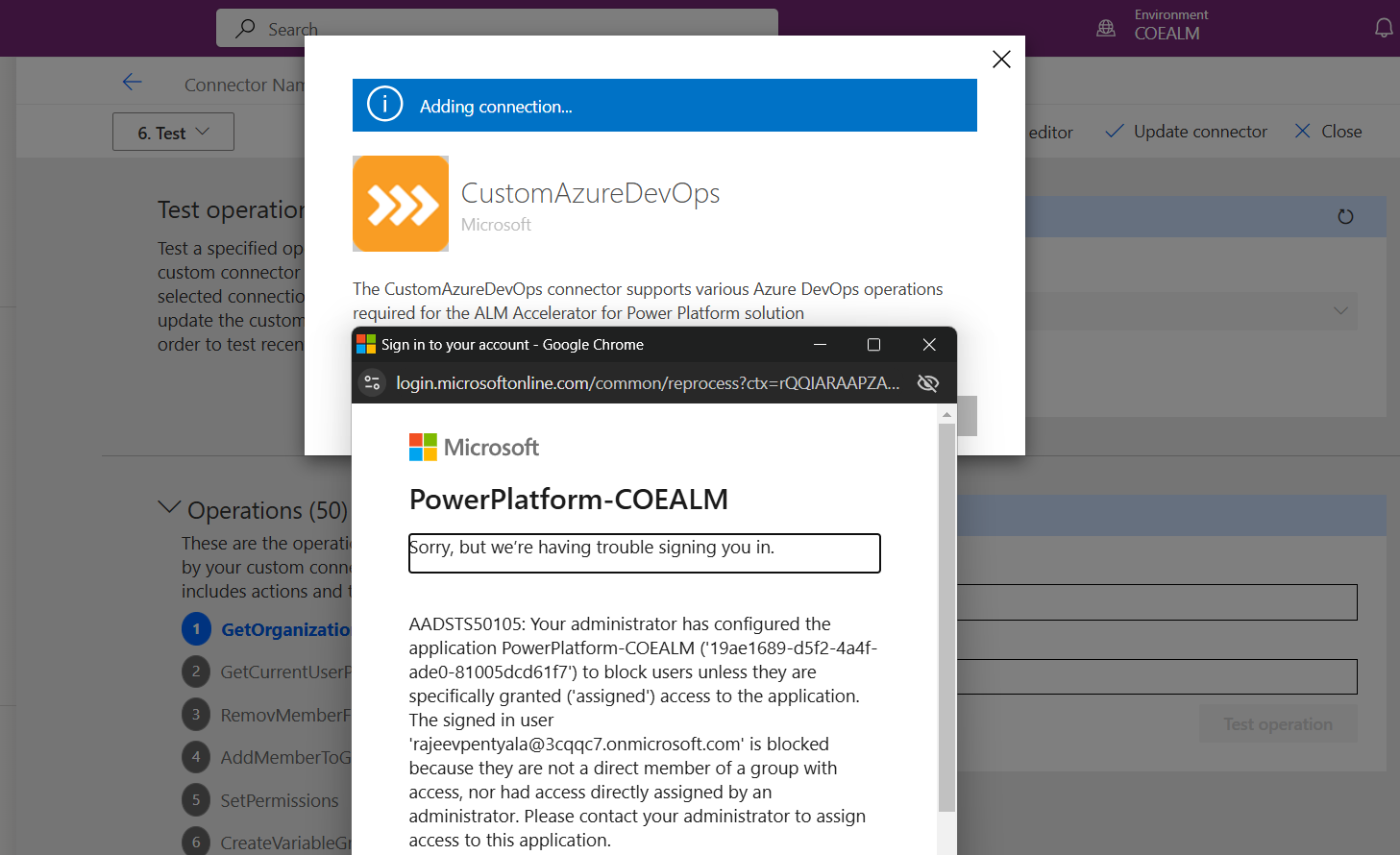
Reason and Fix:
- The Application created using the pac admin create-service-principal command lacks admin consent for the required APIs. To resolve this, click the Grant admin consent button as highlighted below..
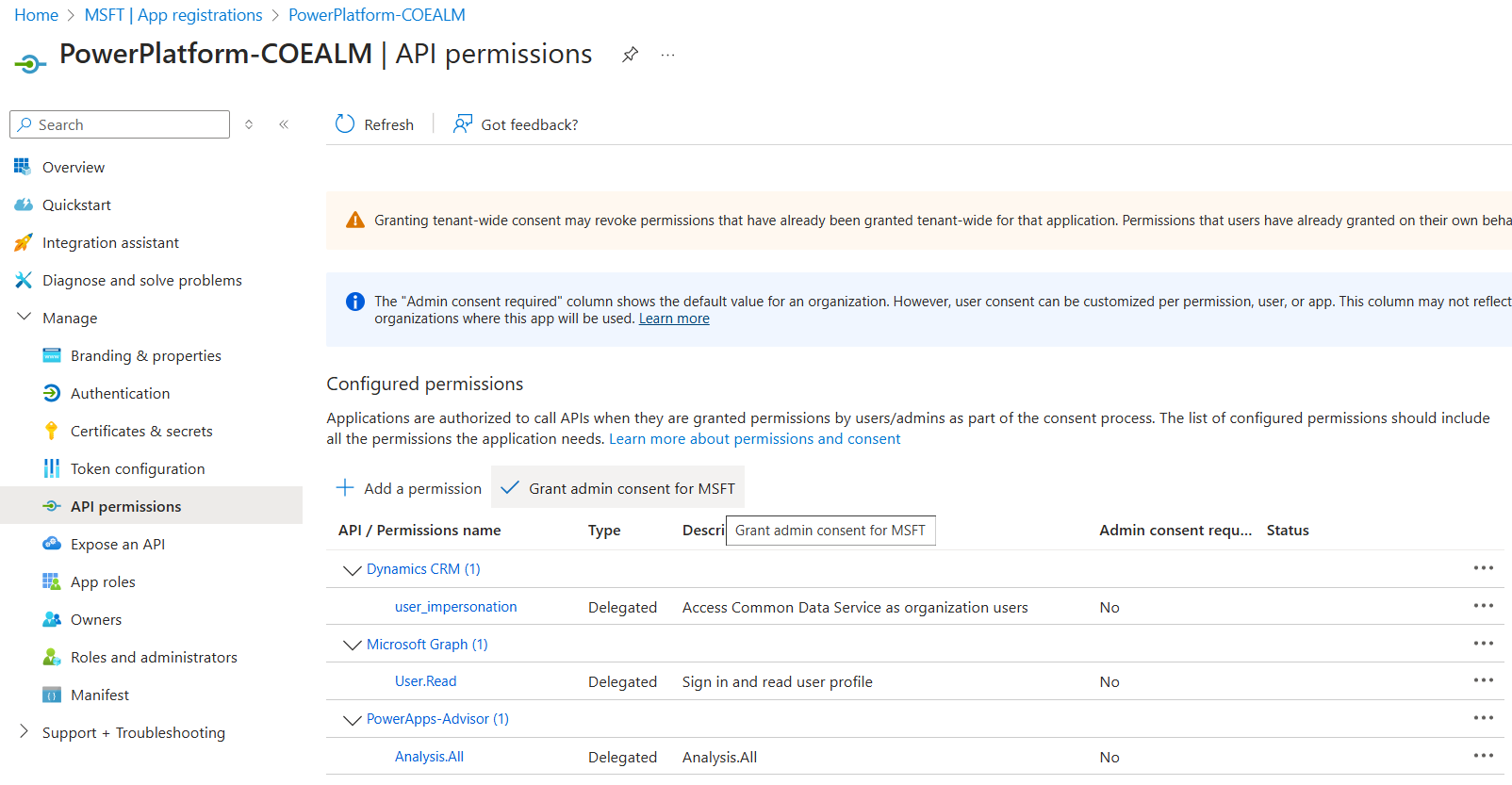
- After clicking the Grant admin consent button, the screen will appear as shown below.

- You should now be able to successfully create the Connection.
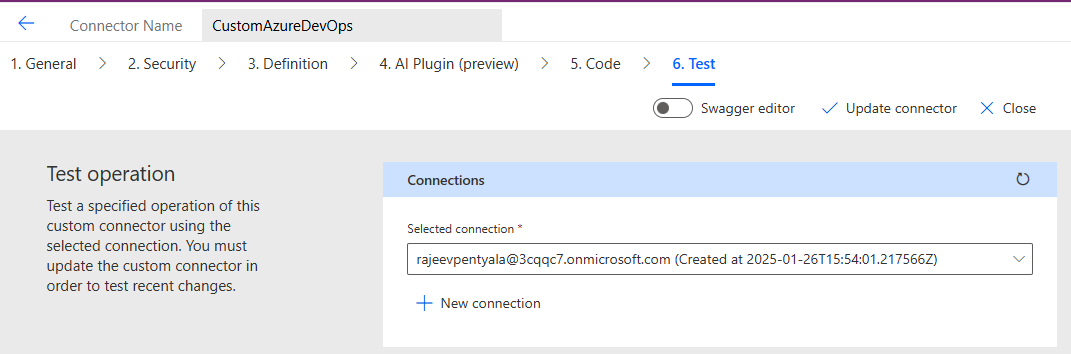
🙂


 Rajeev Pentyala – Technical Blog on Power Platform, Azure and AI
Leave a comment