I have the following C# code snippet to connect to the FTP server
        public static async Task<FtpWebResponse> CreateFtpConnection(string uri, string userId, string password)
        {
            try
            {
                FtpWebRequest request = (FtpWebRequest)WebRequest.Create(uri);
                request.Method = WebRequestMethods.Ftp.ListDirectory;
                request.Credentials = new NetworkCredential(userId, password);
                var response = (FtpWebResponse)request.GetResponse();
                return await Task.FromResult(response);
            }
            catch (Exception ex)
            {
                throw ex;
            }
        }
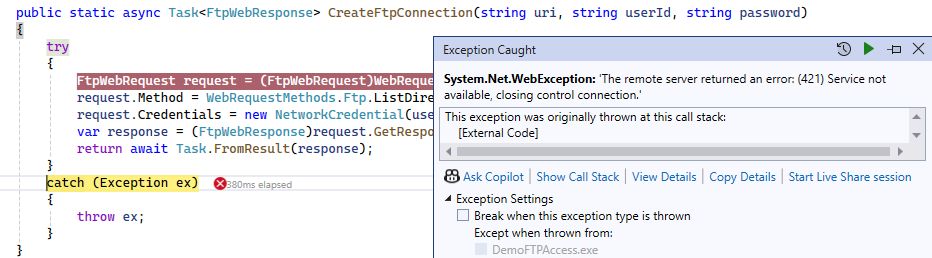
While executing the code, I got (421) Service not available, closing control connection error as shown below.
Reason and Fix:
- In my case SSL was configured on FTP.
- By setting the EnableSsl property to the FtpWebRequest object solved the issue:
request.EnableSsl = true;
Here is the modified code snippet:
        public static async Task<FtpWebResponse> CreateFtpConnection(string uri, string userId, string password)
        {
            try
            {
                FtpWebRequest request = (FtpWebRequest)WebRequest.Create(uri);
                request.Method = WebRequestMethods.Ftp.ListDirectory;
                request.Credentials = new NetworkCredential(userId, password);
                request.EnableSsl = true;
                var response = (FtpWebResponse)request.GetResponse();
                return await Task.FromResult(response);
            }
            catch (Exception ex)
            {
                throw ex;
            }
        }

🙂


 Rajeev Pentyala – Technical Blog on Power Platform, Azure and AI
Leave a comment