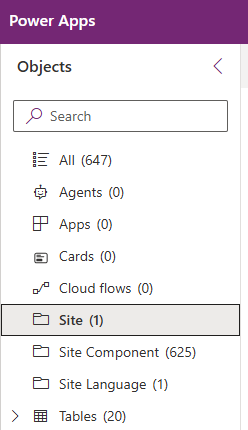
While importing a Dataverse solution containing Power Pages Website components,
the solution import failed with the following error :
Import failed: The attachment is either not a valid type or is too large. It cannot be uploaded or downloaded.
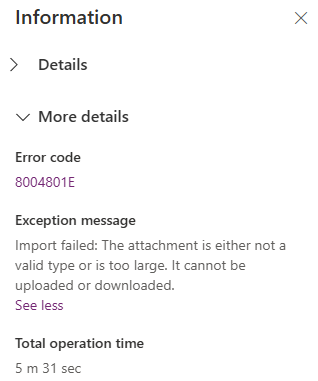
The issue was unexpected, as my solution ZIP file is only 2 MB in size, which is well within the allowed file size limit for my environment.

Its turned out to be a different issue.
Reason and Fix:
- In our Portal components, we have a .js file.
- The .js file extension is listed as a blocked file extension by default in my environment. To verify this, navigate to Settings > Administration > General tab.
- Removing the js from the blocked extension list (i.e., Set blocked file extensions for attachments) fixed the solution import error.

🙂



![[Step by Step] Beginner : Create a PCF control and add it to a custom page](https://rajeevpentyala.com/wp-content/uploads/2024/12/image-49.png)
 Rajeev Pentyala – Technical Blog on Power Platform, Azure and AI
Leave a comment