Did you know that you can use Char(10) to create a line break in text controls within a canvas app?
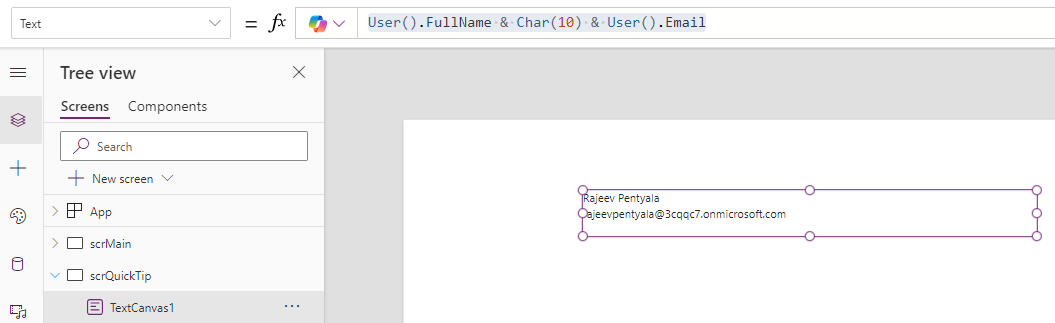
Following is an example:
User().FullName & Char(10) & User().EmailChar(10) function adds a line break, so it prints the user’s ‘full name’ and ’email’ on separate lines.
Note that, Char(10) returns an ASCII code and doesn’t work in the HTML Text control.

To create a line break in the HTML Text control, use the <br/> tag, instead.

🙂


![[Step by Step] Beginner : Create a PCF control and add it to a custom page](https://rajeevpentyala.com/wp-content/uploads/2024/12/image-49.png)
 Rajeev Pentyala – Technical Blog on Power Platform, Azure and AI
Leave a comment