In a previous article, I delved into the concept of Preferred Solutions. Now, let’s explore the optimal use case for implementing preferred solutions in this article by creating an app with and without preferred solution.
Create an app without preferred solution:
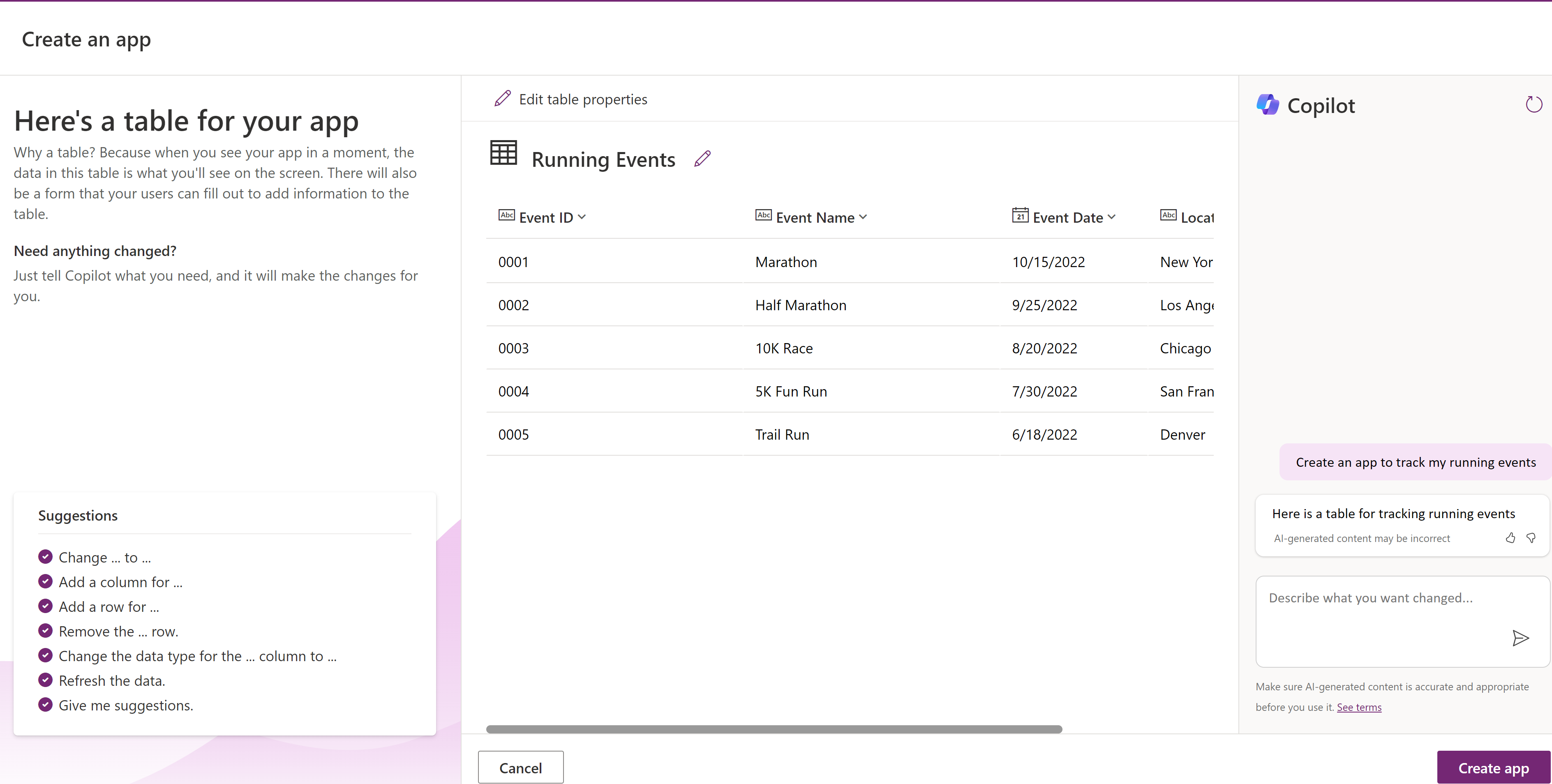
- Let’s say you’ve opted to create an app using Co-pilot, as shown below.

- After entering the prompt, you’ll be redirected to the ‘Create an app’ screen.
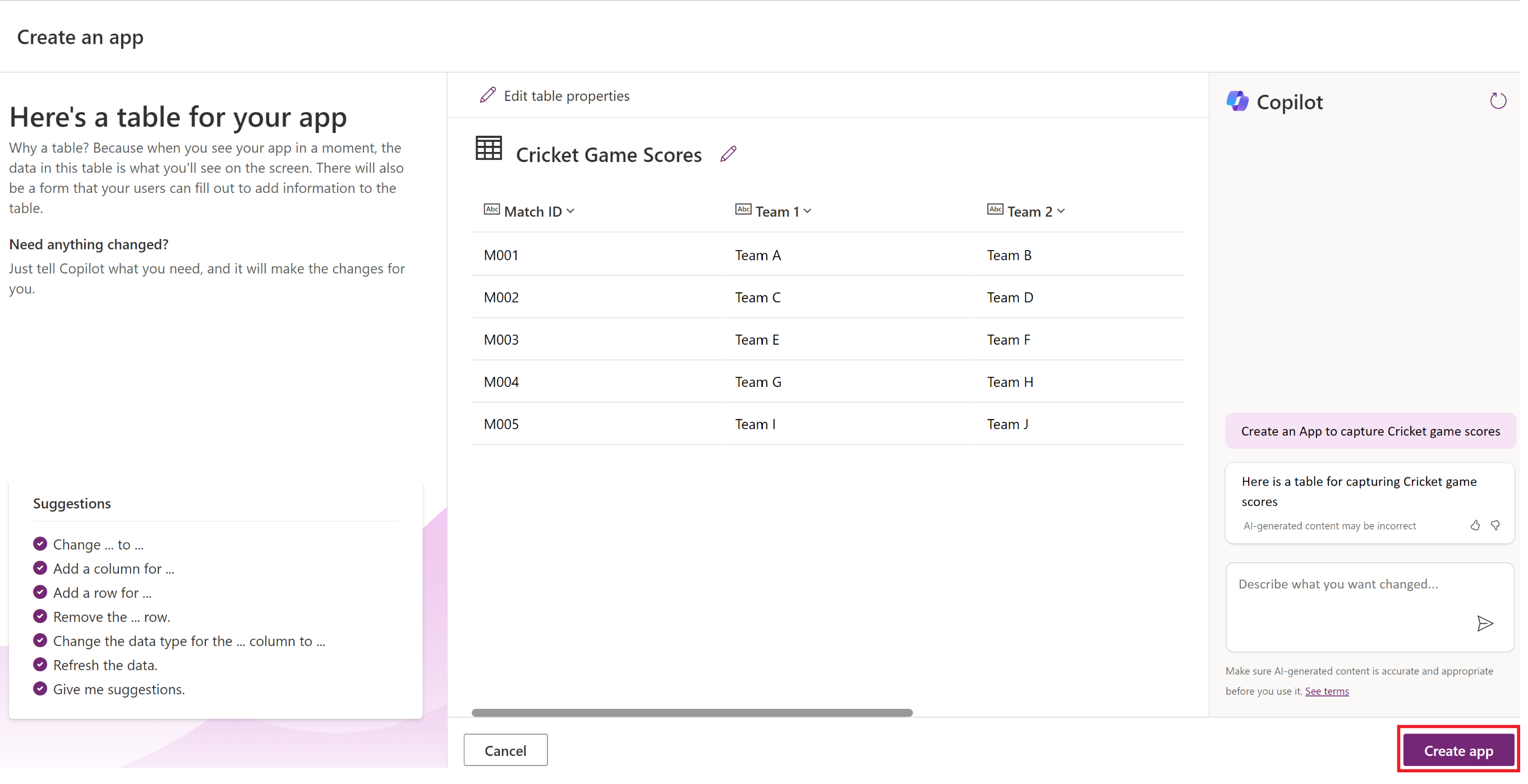
- Clicking ‘Create app’ will navigate you to the Canvas App Studio. Save the app.
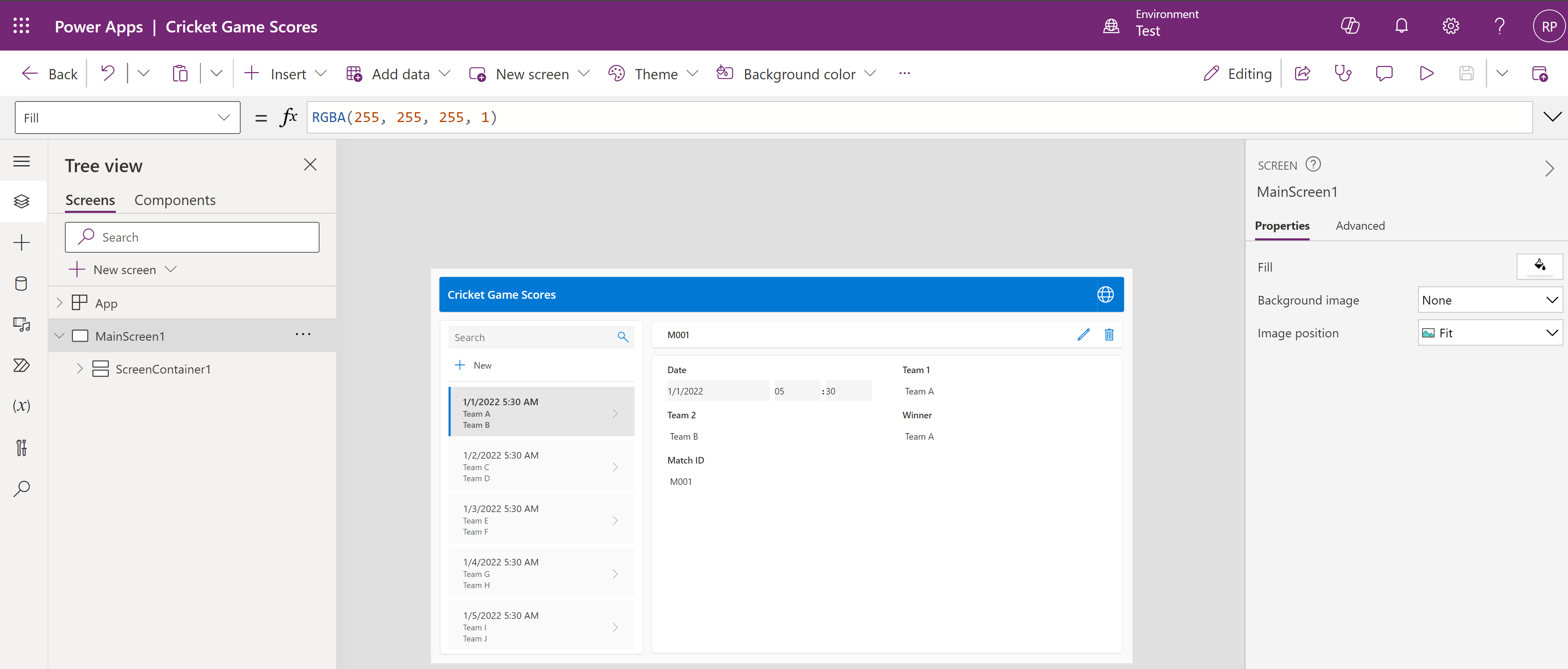
- The above steps will create a table and an app in the Dataverse. However, have you ever wondered which solution they are added to?
- By default, unless already in the context of an unmanaged solution, all solution components are stored in the solution named Common Data Services Default Solution.

- The drawback of this approach is that components are created with OOB prefix, as shown above.
If you want all components created outside of solutions by your maker to be added to your desired solution with a specific prefix, the answer is, Preferred Solutions.
Now, lets replicate the app creation using the co-pilot scenario by enabling Preferred Solutions.
Create an app with a preferred solution:
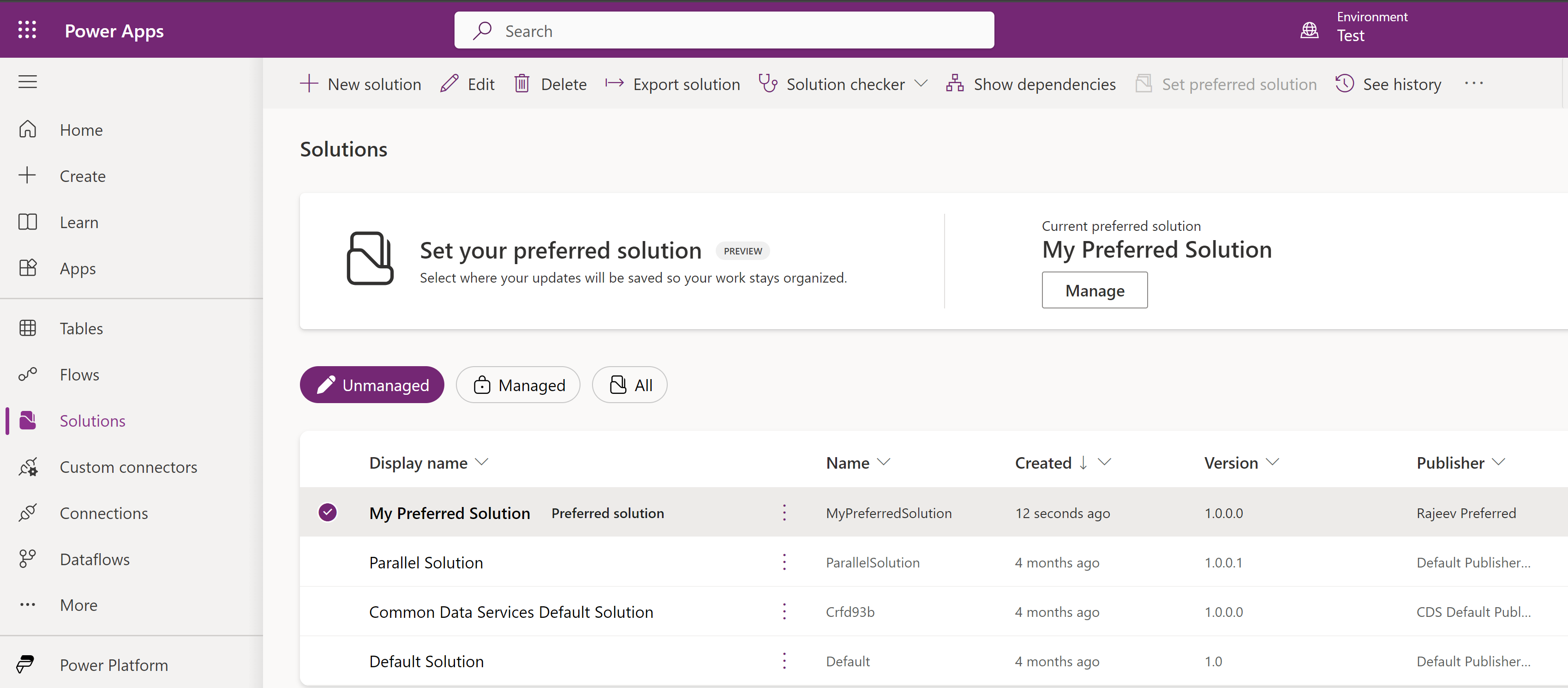
- Enable the Preferred Solution feature and designate your desired solution as the preferred one. Refer to this article for steps on using the Preferred Solution feature.
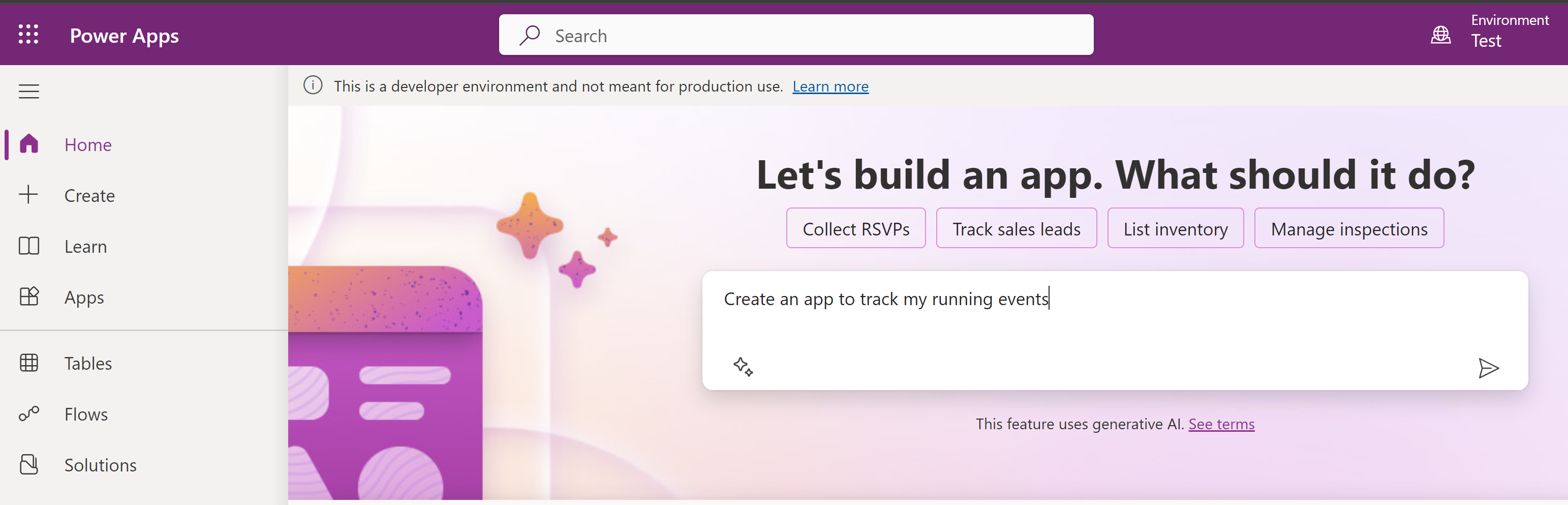
- Go ahead and prompt the copilot for a new app.
- Click on ‘Create app’ and complete the App creation.
- Now, if you open the solution you’ve designated as preferred, all the components will be added there with the desired prefix.
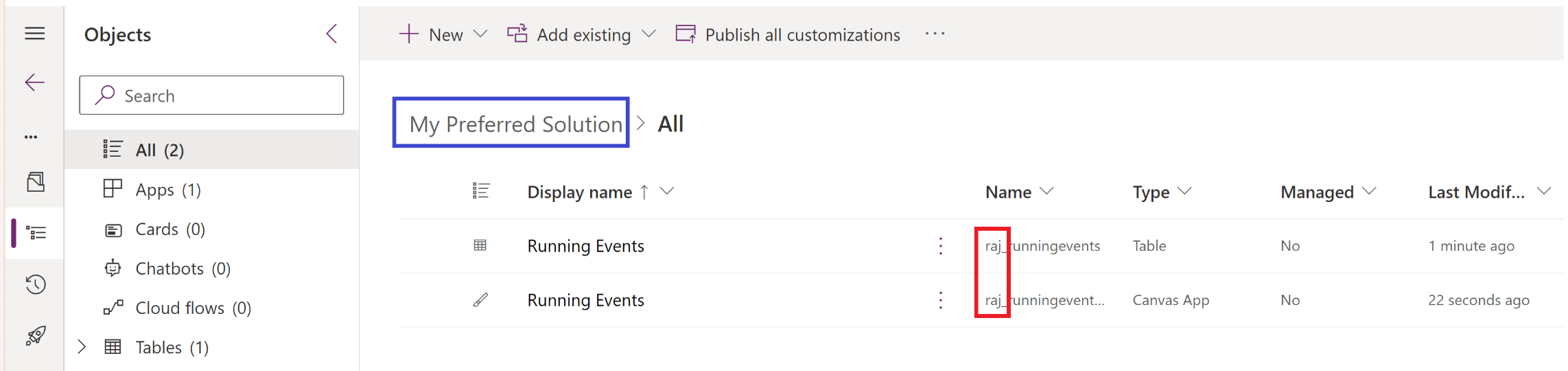
Preferred solutions allows you to streamline any components created outside of solutions to be added in to a single designated solution.
🙂



![[Step by Step] Beginner : Create a PCF control and add it to a custom page](https://rajeevpentyala.com/wp-content/uploads/2024/12/image-49.png)
 Rajeev Pentyala – Technical Blog on Power Platform, Azure and AI
Leave a comment