In one of the previous articles, I’ve explained how to perform a simple record level clone using Power Fx formulas.
In this article, let’s delve deeper and explore the process of cloning a record along with its child records.
Scenario:
I’ve a Model Driven App with 3 Dataverse tables.
- Customer – Holds Customer demographics, such as name, address, and contact information.
- Cars – Child record of Customer. Each customer can have multiple cars associated with them.
- Accessories – Child record of Car table. Each car can have multiple accessories linked to it.

- I need a Clone option on Customer form which should clone and create a new Customer along with child records.
Now that you got the scenario, lets proceed with cloning.
Clone the Customer:
- Please refer this article for the steps to get started with customizing command bar.
- After adding a new command, please ensure that you include all the necessary tables in the ‘Data’ tab of the ‘Command Library’ window.
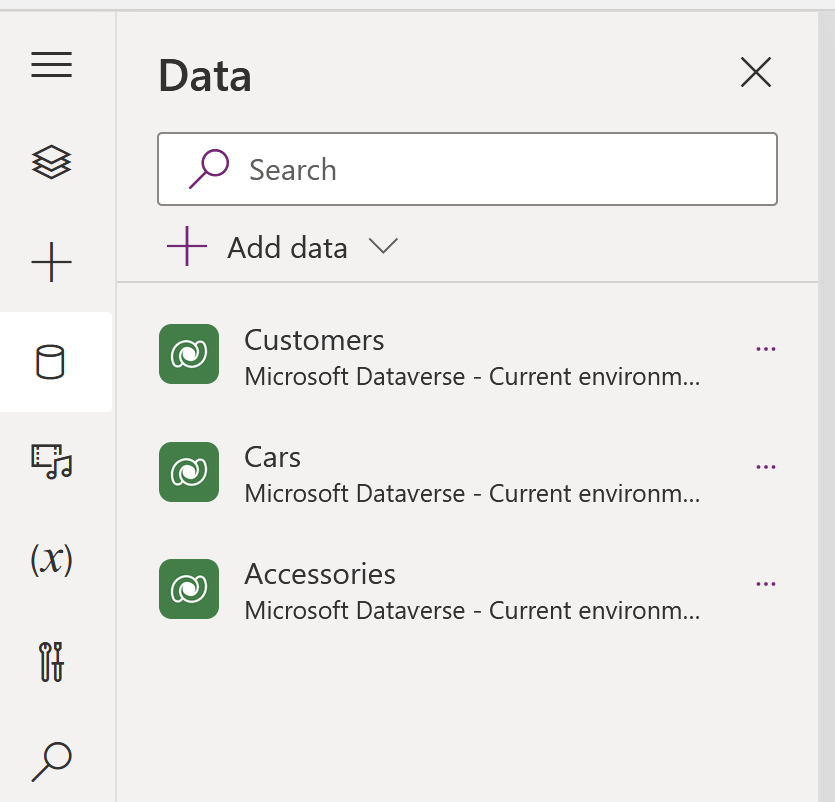
- Next step is to write the formula, which,
- Creates a new Customer record using the selected (i.e., Source) Customer.
- Fetch the associated ‘Cars’ of the selected customer and create new copies.
- Finally fetch the associated ‘Accessories’ of each ‘Car’ and create new copies.
- When writing Power Fx formulas in the command bar, Challenge is that we can’t leverage the Set or UpdateContext or Collect functions. We have to manage using the With function.
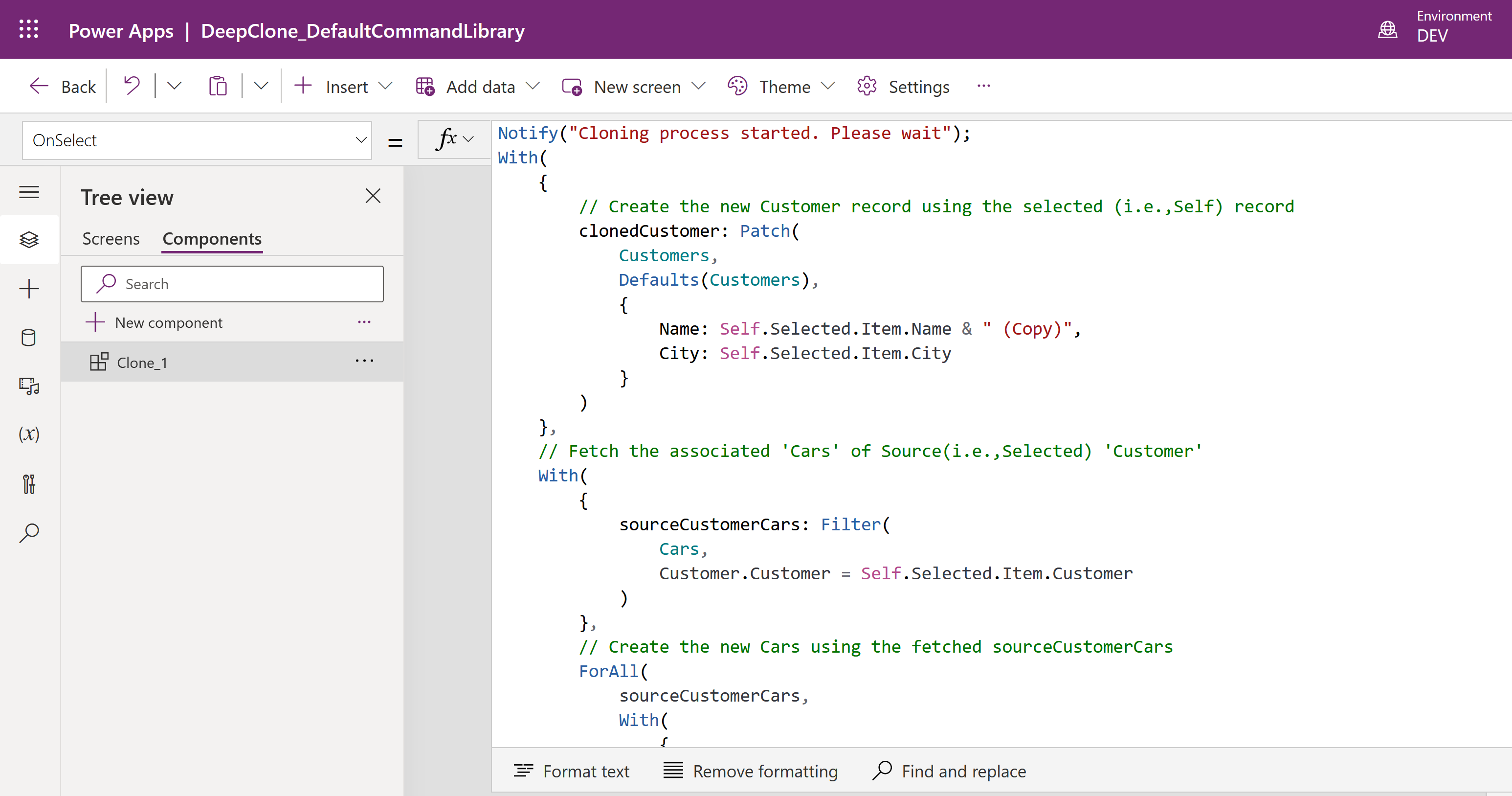
- Following is the formula which fulfills our requirement.
Notify("Cloning process started. Please wait");
With(
    {
        // Create the new Customer record using the selected (i.e.,Self) record
        clonedCustomer: Patch(
            Customers,
            Defaults(Customers),
            {
                Name: Self.Selected.Item.Name & " (Copy)",
                City: Self.Selected.Item.City
            }
        )
    },
    // Fetch the associated 'Cars' of Source(i.e.,Selected) 'Customer'
    With(
        {
            sourceCustomerCars: Filter(
                Cars,
                Customer.Customer = Self.Selected.Item.Customer
            )
        },
        Notify("Cars Count " & CountRows(sourceCustomerCars));
        // Create the new Cars using the fetched sourceCustomerCars
ForAll(
            sourceCustomerCars,
            With(
                {
                    // Fetch the source car Accessories and keep it in 'sourceCustomerAccessories' collection
                    sourceCustomerAccessories: Filter(
                        [@'Accessories'],
                        Car.Car = ThisRecord.Car.Car
                    ),
                    //Create the new Car and keep it in 'clonedCar'
                    clonedCar: Patch(
                        Cars,
                        Defaults(Cars),
                        {
                            Name: ThisRecord.Name,
                            // Set with newly cloned Customer
                            Customer: clonedCustomer,
                            Manufacturer: ThisRecord.Manufacturer
                        }
                    )
                },
                // Create new Accessories and map to the newly created Car
                ForAll(
                    sourceCustomerAccessories,
                    Patch(
                        [@'Accessories'],
                        Defaults([@'Accessories']),
                        {
                            Name: ThisRecord.Name,
                            Price: ThisRecord.Price,
                            Car: clonedCar
                        }
                    )
                )
            )
        )
    );
    Notify("'Customer' record has been cloned successfully");

// Navigate to the cloned record
Navigate(clonedCustomer);

)
- Save and Publish the command library.
- Test the clone feature by selecting a Customer of your choice. If the clone process is successful, a new Customer record will be created, and the record will be suffixed with the text ‘(copy)’

🙂




 Rajeev Pentyala – Technical Blog on Power Platform, Azure and AI
Leave a comment