Do you know that we can add Emojis to the controls and screens text properties in Canvas Apps. In this quick tip article lets learn how to add Emojis.
Adding Emojis:
- We can add Emoji to the ‘App name’ of the App. While creating a new Canvas App, in the ‘App name’, press Windows Key (🪟) + Dot (.) and pick the Emoji you wish and proceed with creation.

- On the screen, add a Label control and in the ‘Text’ property you can add Emojis simply by hitting Windows Key (🪟) + Dot (.) .
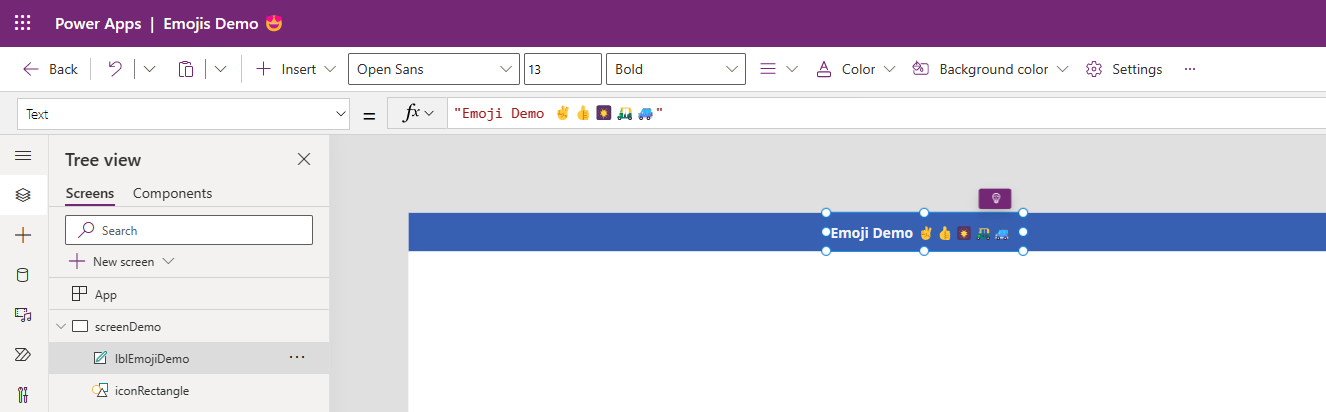
- Play the App and you should see as below.

🙂




 Rajeev Pentyala – Technical Blog on Power Platform, Azure and AI
Leave a comment