In this article, lets learn a shortcut to open Command Prompt pointing to a folder from a Windows OS machine.
Regular Approach:
- To open a folder from a different drive than C, we use the following approach to point to the folder.
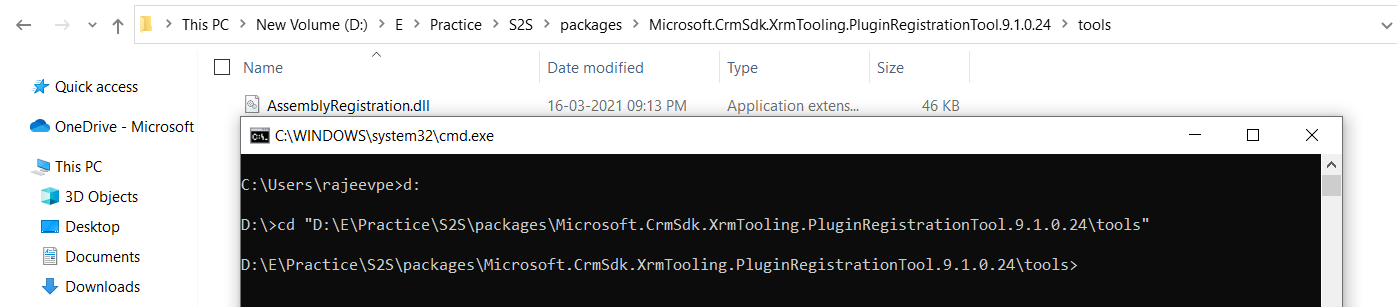
- Above example, I am pointing the Command Prompt to “D:\E\Practice\S2S\packages\Microsoft.CrmSdk.XrmTooling.PluginRegistrationTool.9.1.0.24\tools” folder using ‘cd’ command.
Shortcut:
- Go to the folder you want to point the Command Prompt to, and hit cmd.

- ‘Command Prompt’ window opens up pointing to the folder you hit the cmd from.

🙂



 Rajeev Pentyala – Technical Blog on Power Platform, Azure and AI
Leave a comment