If you are new to Bootstrap, refer my previous article to get started with Bootstrap
In this article, lets see how to apply styles to table control.
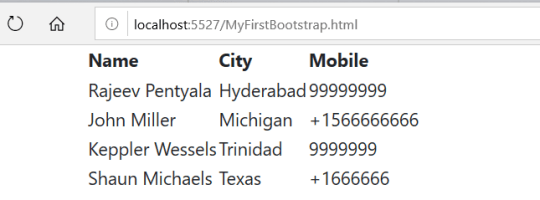
Lets add a table, with 4 rows with no custom styling and it would render as below.
Now lets see, how quickly we can apply Bootstrap styling and make the table responsive and vibrant.
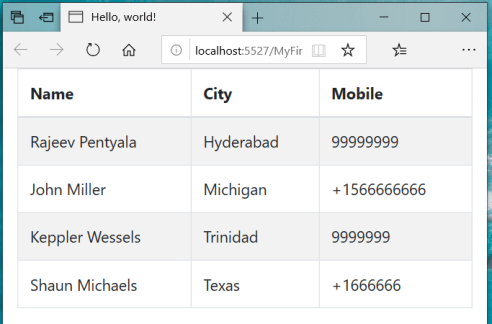
In the above screen, browser has shrunk to fit to tablet dimensions but still the table has’t distorted which makes it responsive.
Below is the table script to achieve above styling
<div class=”container”>
<div class=”table-responsive”>
<table class=”table table-striped table-bordered table-hover“>
🙂



 Rajeev Pentyala – Technical Blog on Power Platform, Azure and AI
Leave a comment