We can switch to other Organizations from “USD Logon Application” as below.
- While launching the ‘USD Logon application’, before it loads, click on ‘Change Credentials’ link

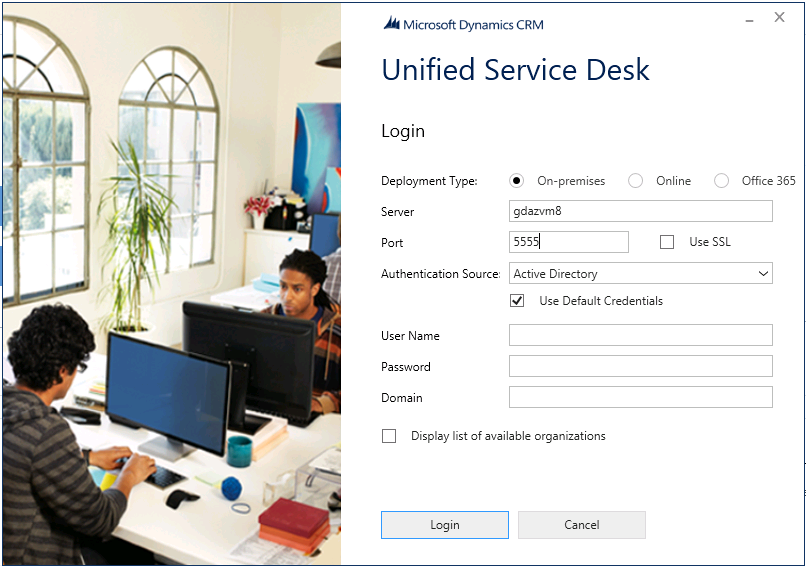
- Now you get USD Login screen as below. Provide the Organization details you would like to connect
🙂


![[Step by Step] Beginner : Create a PCF control and add it to a custom page](https://rajeevpentyala.com/wp-content/uploads/2024/12/image-49.png)
 Rajeev Pentyala – Technical Blog on Power Platform, Azure and AI
Leave a comment